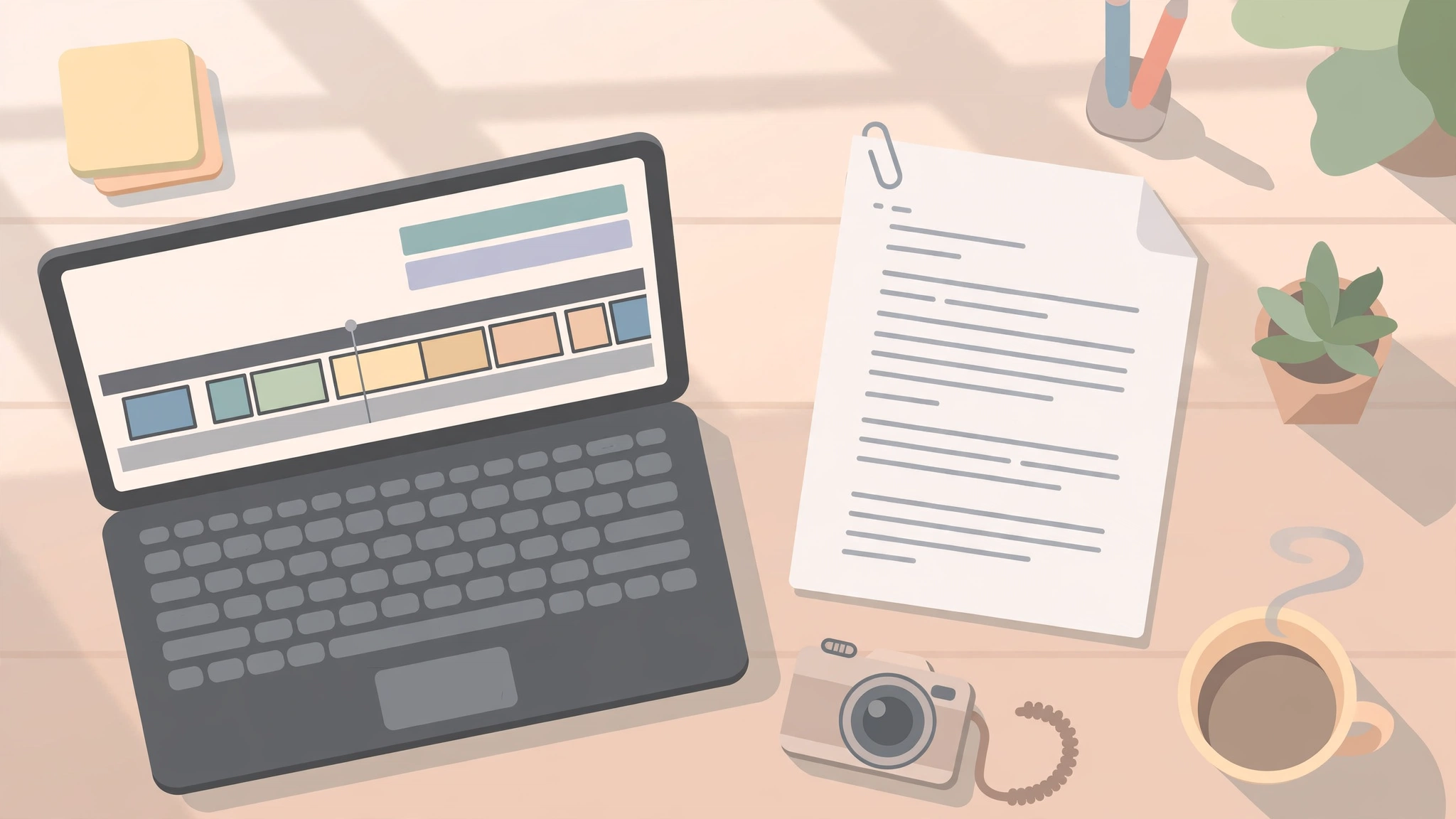
Can ChatGPT make videos? Not on its own. ChatGPT writes, plans and creates still images, but the chat window does not hand you a finished video file — there is no timeline, no render queue and no MP4 to download. What ChatGPT can do is almost everything around the video: the script, the shot list, the still images, the thumbnail and the title. Pair it with one video tool and you have a complete workflow. This guide gives the honest 2027 answer, explains what happened to Sora, and shows the two-tool workflow that actually works.
Key takeaways: Can ChatGPT make videos on its own? No — ChatGPT has no native video generation on any plan — multiple independent guides report OpenAI shut down Sora, its video model, in 2026. ChatGPT still writes scripts, plans scenes, generates still images and can analyse a video you upload. The finished video always comes from a second tool: Canva is the easiest free pairing, Pictory turns scripts into videos, HeyGen adds an AI presenter, and Google’s Gemini video tools generate short clips. Budget time to learn one video tool — ChatGPT does the thinking, the video tool does the rendering.
Table of Contents
Can ChatGPT make videos?
No — not directly, and not on any plan. ChatGPT is a text and image surface. Ask it for a clip and you get a description of a clip, a shot list, or at best a single still frame. It cannot animate that still, add motion, add a voiceover track, or output an MP4. There is no video generation listed on any current ChatGPT plan, and upgrading for more image capacity does not add it.
That is the short answer. The useful answer is longer: ChatGPT is a very good pre-production partner and a non-starter as a renderer. The workflow that works is a handoff — ChatGPT does the thinking, a video tool does the rendering, and you keep both. The rest of this guide shows exactly how.
| Video task | Can ChatGPT do it in 2027? |
|---|---|
| Generate a video from text | No — no native video generation on any plan |
| Write a script, shot list and voiceover | Yes, on every plan |
| Generate still images for the video | Yes, on every plan (limited on Free) |
| Animate a still image into a clip | No — needs a video tool |
| Edit a video you upload | No — it analyses, it does not cut |
| Analyse a video you upload | Yes, with limits |
| Upload the finished video to YouTube | No — you upload it yourself |
What happened to Sora?
Sora was OpenAI’s separate video model and app — not a mode inside ChatGPT. Multiple independent guides report that OpenAI discontinued it in 2026: the Sora app and website closed on 26 April 2026, and the Sora API was switched off on 24 September 2026. Those guides cite OpenAI’s own discontinuation notice, and OpenAI’s API pages list no replacement video model. No successor has been announced for ChatGPT, so treat any claim that “ChatGPT makes videos now” as out of date — and check OpenAI’s own help pages for the current position before you plan around it.
That history matters because most older guides still describe Sora as the way to make videos with ChatGPT. If a guide tells you to open Sora inside ChatGPT, it was written before the shutdown and its instructions no longer work.
Can ChatGPT create a video from text?
ChatGPT can create the video’s words from text — the script, the scene breakdown, the voiceover, the captions and the prompt you should paste into a video tool. It cannot create the moving pictures. The distinction matters because a text-to-video tool and a text-to-script tool are different products, and searching for a “ChatGPT video generator” usually leads to third-party tools that borrow the name.
The practical route is: ask ChatGPT for a 30-second script with a hook, three beats and a call to action, then paste that script into a video tool. Our guide to ChatGPT prompts includes prompt patterns that work well for scripts — most of them transfer directly to video planning.
Can ChatGPT make a video from an image?
It can make the image; it cannot animate it. This is the single most common misunderstanding behind this question, and the fix is a two-tool workflow rather than a better prompt. Generate or upload the still image in ChatGPT — it handles image creation and editing well, and our guide to the ChatGPT image generator covers that in detail — then take that image into a video tool that can add motion: a Ken Burns pan, a zoom, or a full text-to-video clip.
Google’s Gemini video tools are the most direct option for this step: they can turn a still image into a short clip with generated audio. Our guide to Google Veo 3 explains how Google’s video generation works and what its limits are.
Can ChatGPT edit videos?
No. None of ChatGPT’s plans list video editing, and OpenAI’s documentation describes analysing uploaded videos, not cutting them. ChatGPT cannot trim a clip, cut to music, add transitions, or record your screen.
There is one partial exception worth knowing about: connected apps can do selected edits inside a chat. The Adobe app for ChatGPT, for example, offers resizing footage, making a quick-cut highlight video and animating an Adobe Express template. What it edits is footage you already have — it will not generate a scene from a sentence. For a creator with a camera roll full of raw clips, that is still useful, but it is an add-on, not a video editor.
Can you upload a video to ChatGPT?
Yes — and this changed recently. OpenAI’s help pages say ChatGPT accepts video files as attachments, including on the Free plan, and may use tools to analyse them. You can upload a clip and ask what happens in it, ask for a summary, or ask it to write a title and description for it.
OpenAI is upfront about the limits: the analysis can be incomplete or inaccurate, it may not cover the whole video, and it may misread the audio. OpenAI’s help pages list a 512MB cap per file, a small daily upload allowance on the Free plan, and a larger allowance on paid plans — check the current figures on OpenAI’s own help pages, since limits change. For a long video, upload the most important section rather than the whole file.
Can ChatGPT make YouTube videos?
Not by itself — but it can do a huge amount of the work, and pairing it with one video tool gets you from idea to upload surprisingly fast. ChatGPT writes the script, plans the content, drafts the title and description, and sets up almost everything else a video needs. A separate tool supplies the visuals, the voice and the timeline.
Which tool you pair it with depends on the video you want to make:
| Video type | Pair ChatGPT with | Free option? |
|---|---|---|
| Explainer or slideshow video | Canva | Yes, generous free tier |
| Script-to-video with stock footage | Pictory | Free trial, then paid |
| Talking avatar presenter | HeyGen | Limited free credits |
| Generated moving clips | Google Gemini video tools | Yes, with limits |
| Social short with captions | Canva or Pictory | Yes, with limits |
Pricing and free limits change often, so check each tool’s current plans before committing — free tiers typically add watermarks or cap length. Official pages: Canva, Pictory, HeyGen, ChatGPT.
The two-tool workflow that works
Here is the complete workflow for a 30-second vertical short for Reels, Shorts or TikTok. It takes about half an hour once you have done it twice.
- Brief ChatGPT. Ask for a 30-second script: a hook in the first three seconds, three short beats, and a call to action. Give it the topic, the audience and the tone. Ask for the voiceover text, on-screen captions and a thumbnail concept in the same reply.
- Make the stills. Ask ChatGPT to generate the key still image — a thumbnail or the opening frame — and save it. For anything that needs to move, keep the still as the first frame for the video tool.
- Build the video. Paste the script into your video tool. In Canva, drop the script into a video template with stock footage, text and a voiceover; in Pictory, the script becomes scenes automatically; in HeyGen, the script becomes an avatar presenter.
- Review before you publish. Watch the whole clip once. Check every fact ChatGPT wrote — AI scripts can contain errors or outdated information — and check the captions against the audio. Fix anything wrong in the video tool, not in the chat.
- Upload it yourself. ChatGPT cannot upload to YouTube for you. Upload from the video tool or your device, and paste in the title and description ChatGPT drafted.
For a video of yourself without filming, pair the script with a talking-avatar tool like HeyGen, which creates a digital presenter from a short recording that delivers any script you type. It is a two-tool process: ChatGPT alone will not finish a video, so budget time to learn one video tool properly.
What ChatGPT is still good at in a video project
The prep work is where ChatGPT still earns its place. Hooks, voiceover scripts, shot lists, captions and thumbnail concepts are all text or still-image jobs, and they run on every plan. It can also brainstorm video ideas and titles, write YouTube descriptions and tags, suggest b-roll and scene ideas, and write the voiceover text — the parts of a video that most creators find slowest.
Used this way, ChatGPT is your scriptwriter and producer’s assistant, and a separate tool is your video editor. Together, they make a complete pipeline. Our pillar guide to the best AI tools covers the video tools worth knowing in one place.
Frequently asked questions
Is there a ChatGPT video generator?
No. There is no product called a ChatGPT video generator, and no ChatGPT plan includes video generation. Tools that use the name are third-party video tools that accept a ChatGPT-written brief — the brief goes in, the video comes out of their model, not ChatGPT’s.
Can ChatGPT make videos with sound?
Not on its own. Audio in a generated video comes from the video model or the editing tool, and models differ sharply: some generate dialogue and sound effects, some add only music, and some add nothing. ChatGPT can write the voiceover script and suggest music, but the sound itself is added in the video tool.
Can ChatGPT animate an image I upload?
No. ChatGPT can edit the image itself — change a detail, restyle it, extend it — but it cannot make it move. To animate a still, use a video tool that accepts an image as the first frame, such as Google’s Gemini video tools.
Does ChatGPT Plus include video generation?
No. The current ChatGPT plans list text chat, image generation, voice chats, deep research and file uploads. Video generation is not on the list for Free, Go, Plus or Pro. Upgrading buys more image capacity and stronger reasoning, not video.
Final verdict
ChatGPT cannot make videos — and after the Sora shutdown, no OpenAI product inside ChatGPT can. What it can do is the thinking that makes a video good: the script, the plan, the stills and the words around it. Pair it with one video tool — Canva for easy free videos, Pictory for script-to-video, HeyGen for an AI presenter — and you have a workflow that takes you from an idea to an upload in under an hour. Just remember the two rules: verify every fact in the script, and watch the finished video once before you publish it.
At Digital Discoverist, we test AI tools so you can choose with your eyes open — browse the How-To Guides category for more practical AI workflows.
2 thoughts on “Can ChatGPT Make Videos in 2027? What It Can and Cannot Do”