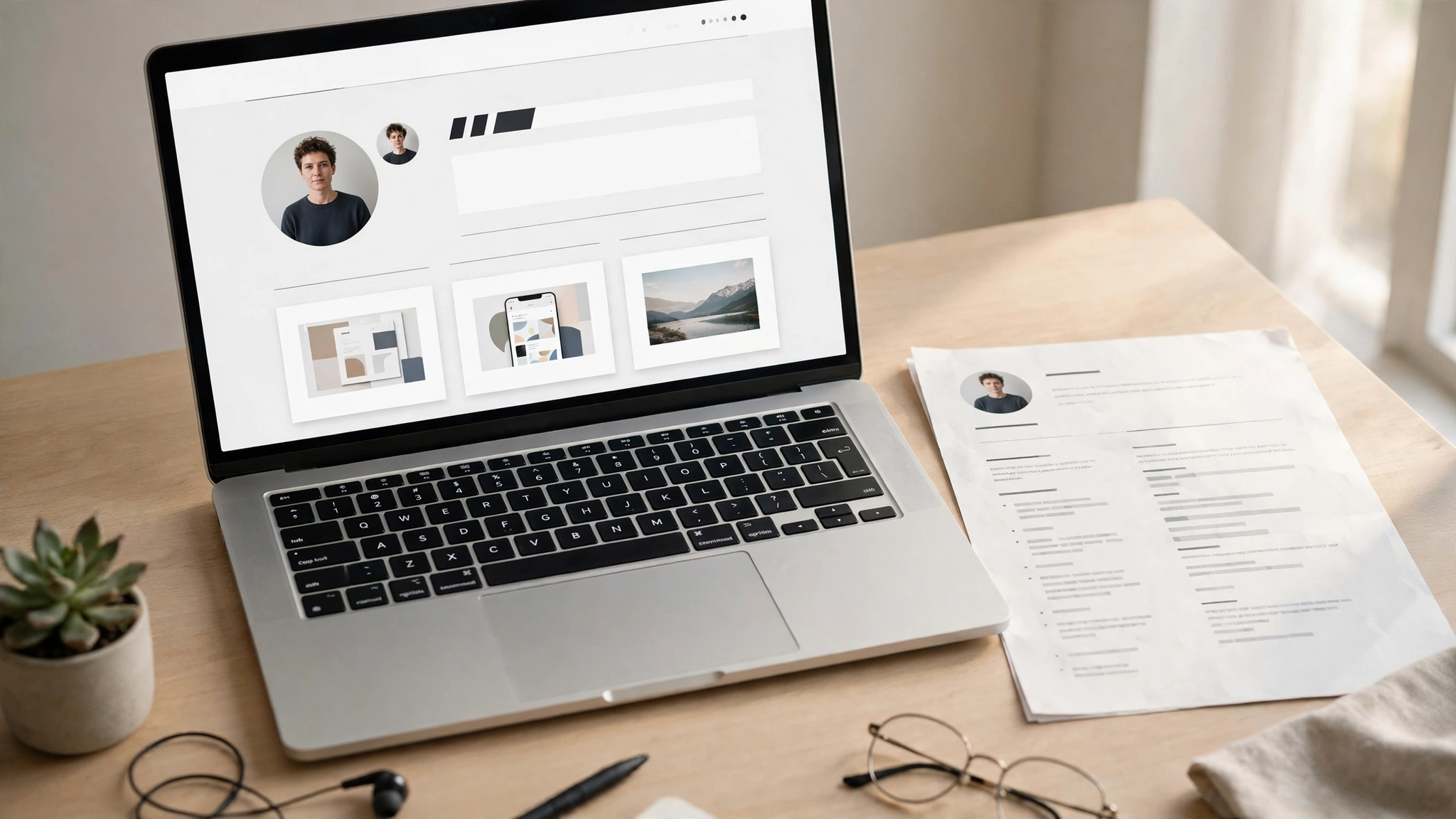
Learning how to build a resume website is one of the simplest ways to stand out when you apply for a job in 2027. A resume website is a small personal website that presents your experience, skills and work samples in one place, with a link you can put on your resume and LinkedIn. You do not need to know how to code, and a first version can be live in an afternoon.
Key takeaways: A resume website shows your work and your story; it does not replace the resume file you upload when you apply, because an applicant tracking system may read that file rather than your site. Pick a builder or let an AI builder draft the site, add the pages recruiters look for, and always include a downloadable PDF of your resume. Use a variation of your own name for the domain, and keep your home address and date of birth off the site.
Table of Contents
What is a resume website?
A resume website, also called an online resume or a CV website, is a website that presents your professional experience, skills and work samples. Instead of squeezing everything onto one or two pages, you get room to show the work itself: projects, writing samples, designs, code, videos or case studies.
Most resume websites follow the same shape: a home page with your name, photo, expertise and a one-paragraph summary; an about page; an experience page; a portfolio page that shows the work rather than only describing it; testimonials; and a contact page.
Do I need a resume website?
Not everyone needs one. You are most likely to benefit if you are applying for roles where a portfolio matters, if you are changing careers, if you are freelancing, or if your name is common and you want recruiters to find the right person.
A resume website helps most when your resume file cannot tell the whole story. A one-page resume forces you to cut detail, while a website lets an interested recruiter click through to the project behind a bullet point. But if a hiring manager would learn nothing new by clicking your link, skip it for now.
How to build a resume website: the 9 steps
The nine steps below cover the whole process, from choosing how to build it to sharing the finished link.
Step 1: Pick your build method
The main options are a website builder with templates, an AI website builder, a content management system such as WordPress, hand-coding it yourself, or hiring a professional. Most people should pick a website builder or an AI website builder: they are the fastest route and need no coding. WordPress gives you more control but takes longer.
Step 2: Choose a domain name
For a resume website, the best domain is usually a variation of your own name, such as yourfullname.com. If that is taken, add your profession, your middle initial, or a short word such as “work” or “portfolio”. Keep it short and easy to spell. A custom domain looks more professional than a free subdomain.
Step 3: Pick a template or let an AI builder draft the site
With a builder, you have two starting points. A template gives you a ready-made layout for resumes and portfolios: pick one you like, then replace the sample text, photos and projects with your own. An AI builder asks a few questions about your field, experience and style, then drafts the pages, text and images for you. The AI draft is a starting point: read every word and replace stock images with your real work. See our guide to how to create a website with AI.
Step 4: Write the headline and about section
Your headline is the first thing a visitor reads, so make it do real work: say who you are and what you do, in one line. “Marketing manager who grows email lists for software companies” tells a recruiter far more than “Welcome to my website”. Follow it with a one-paragraph summary: your experience, your main skills, and the kind of role you are looking for.
Step 5: Add experience and work samples
List your roles in reverse order, newest first, with the employer, the dates, and two or three bullet points per role describing what you actually achieved. Numbers help where they are honest and checkable: projects delivered, users reached, time saved. Then add the work samples. For each one, show the work itself: a screenshot, a link to the live project, a video, or a short case study explaining the problem, what you did, and the result.
Step 6: Add the PDF resume download and a contact form
Always include a downloadable PDF of your resume somewhere easy to find, ideally a clear button on the home page and on the contact page. Recruiters often want a file they can save, print or forward. Make sure the PDF matches the site: same name, same headline, same roles, same dates. For contact, use a contact form rather than printing your email address on the open web.
Step 7: Test the site on a phone
Many recruiters will first open your site on a phone, often from a link in an email or on LinkedIn. Open every page on your own phone and check the basics: does the headline fit, do the images load quickly, do the buttons work, and does the PDF download open properly?
Step 8: Connect the domain and publish
Once the pages read well and the phone test passes, connect your custom domain and publish. Most builders walk you through this in a few clicks: point the domain at the builder, wait for the connection to settle, then check that the live address loads with a secure padlock. Visit the live site as a stranger would, click every link, and fix anything broken.
Step 9: Share the link on your resume and LinkedIn
Put the link where people will actually click it. Add it to the header of your resume file, next to your name and contact details. Add it to your LinkedIn profile, in the website field and in your about section, and consider the featured section. Read the exact LinkedIn steps in our guide on how to add a resume to LinkedIn. Add the link to your email signature too.
What should a resume website include?
| Page | What to put on it | What to leave out |
|---|---|---|
| Home | Your name, a photo, your area of expertise, a one-paragraph summary, a link to your work and a resume download button | Long paragraphs, autoplay video, a wall of badges |
| About | Your story, your approach to work, your main skills, one or two results you are proud of | Your life history, unrelated hobbies, anything you would not say in an interview |
| Experience | Roles in reverse order, with dates and achievements, using numbers where they are honest | Every job you have ever had, vague duties with no results |
| Portfolio or work samples | Three to six strong samples, shown or linked, each with a short note on what you did | Weak filler work, confidential client material, broken links |
| Testimonials | Short quotes from managers, clients or colleagues, with their name and role | Quotes you cannot attribute, praise you wrote yourself |
| Contact | A contact form, a resume download button, and links to LinkedIn | Your home address, your personal phone number on the open page, a bare email address |
Use a professional photo, or no photo at all. Keep the design clean and consistent and put your name in the site title. If you want the document itself to be stronger first, our guide to AI resume builders compares tools that can draft and polish the resume file.
Which resume website builder should I choose?
The best resume website builder depends on how much control you want, how much time you have, and whether you want AI to draft the site for you. Free tiers exist on several builders, while a custom domain and removing the branding are paid, so check the official pricing page before you choose.
| Resume website builder | Best for | AI help | Free tier |
|---|---|---|---|
| Wix | Most people, most fields | Yes, AI site builder and AI text help | Yes, with Wix branding and a Wix subdomain |
| Durable | Fastest AI-built site | Yes, builds a site from a few answers in minutes | Check the official pricing page |
| Framer | Design-led portfolios | Yes, AI generation and AI text help | Yes, with Framer branding on a free subdomain |
| Carrd | Simple one-page sites | Limited, templates first | Yes, free for simple one-page sites |
| WordPress.com | People who want room to grow | Yes, AI site builder on some plans | Yes, with WordPress.com branding and a subdomain |
Wix: the best resume website builder for most people
Wix is the safest default choice for a resume website. It offers a large library of resume and portfolio templates, a drag-and-drop editor that needs no coding, and an AI website builder that drafts a site from your answers. Its own guide to creating a resume website lists eight build methods, from templates and AI builders to WordPress, hand-coding and hiring a professional. The free tier lets you publish on a Wix subdomain with Wix branding. See the official Wix site and its guide on how to create a resume website.
Durable: the best AI resume website builder for speed
Durable is built around speed: answer a few questions about your field, experience and style, and its AI drafts the pages, text and images, then you shape the result by chatting or dragging and dropping. That suits you if you want a site live today. The draft will be generic until you make it yours, so rewrite the headline and check every claim the AI wrote about you. See the official Durable site.
Framer: the best resume website builder for design-led portfolios
Framer is the pick if design matters most to your field, for example if you are a designer, an art director or a front-end developer. Its templates look modern and polished, its sites load fast, and its AI tools can generate a first draft and help with the text. The editor gives you more design control than the simplest builders. See the official Framer site.
Carrd: the best resume website builder for a simple one-page site
Carrd is the simplest option here, and for many job seekers it is all they need. It builds one-page sites: your name, your headline, a short summary, a few links to your work, and a contact button, all on a single scrolling page. That suits you if you want a clean link to put on your resume and LinkedIn, without the work of building six pages. Carrd’s free tier covers simple one-page sites; check the official pricing page for paid plans. See the official Carrd site.
WordPress: the best resume website builder if you want room to grow
WordPress is the option to pick if you want the most control and the most room to grow. You can start with a resume theme, then add a blog, a speaking page or a newsletter signup later, all on the same site. That flexibility comes with more setup work: choosing hosting, a theme and plugins, and keeping them updated. WordPress.com, the hosted version, is simpler and offers a free tier with WordPress.com branding. For a closer look at AI-powered site building, see our guide to the best AI website creators.
How much does a resume website cost?
A resume website can cost nothing, or it can cost a yearly subscription. Free tiers exist on builders such as Wix, Carrd and WordPress.com. A free tier usually means your site lives on a subdomain with the builder’s name in it and carries the builder’s branding. A custom domain and removing the builder’s branding are paid. Prices are listed on each builder’s official pricing page, and they change, so check the page before you choose.
How do I build a resume website with no coding?
You build a resume website with no coding by using a website builder or an AI website builder. Sign up, choose a resume or portfolio template, or answer the AI builder’s questions about your field, experience and style. The builder drafts the pages, text and images. Then you replace the sample content with your own.
AI tools can help with the writing as well as the building. AI chat assistants such as ChatGPT, Claude and Gemini can help you draft and polish the copy, and AI coding tools such as Claude Code and Cursor, plus app builders such as Base44, can write code for a custom build. Use them as drafting help, not as authors: read everything they produce, and make sure every claim on the site is true and yours. Our guide to how to create a website with AI explains the wider workflow.
Does a resume website replace my resume?
No, a resume website does not replace your resume. When you apply for a job online, you are usually asked to upload a document, and an applicant tracking system, known as an ATS, may read that file rather than your website. The ATS scans the document for keywords, job titles and dates, and decides whether your application reaches a human. Your website plays no part in that scan.
Think of the two as a pair with different jobs. The resume file gets you screened: it must be clear, keyword-aware, and in a format the ATS can read. The website gets you noticed once a human is involved: it shows the work behind the bullet points and makes you memorable. That is why the site should always link to a downloadable PDF of the resume, and why the resume file should always link to the site.
How do I put my resume website on LinkedIn?
Putting your resume website on LinkedIn takes a few minutes and is worth doing properly, because LinkedIn is where many recruiters will find you first. Add the site address to the website field on your profile. Then add it to your about section, with one line explaining what a visitor will find there. You can also add it to the featured section, so it sits near the top of your profile.
If you have a PDF resume, LinkedIn also lets you add it to your profile, and our guide on how to add a resume to LinkedIn walks through those steps in detail. Whichever route you use, test the link and make sure it opens your site rather than a login page or a broken address. A dead link on a LinkedIn profile is worse than no link at all.
What should I not put on a resume website?
Privacy is the part people get wrong most often, because a website is public in a way a resume file is not. A resume file goes to one employer; a website can be seen by anyone. So keep private details off the site: your full home address, your date of birth, your personal phone number on an open page.
Use a contact form instead of printing your email address on the page. A form still lets recruiters reach you, and it keeps your address away from spam bots. Be careful with work samples too. Do not publish confidential client work, internal documents, or anything covered by a non-disclosure agreement. Describe the project without naming the client, or show a personal project instead.
How long does it take to build a resume website?
With a template or an AI builder, you can have a first version of a resume website live in an afternoon. That includes picking a builder, writing the headline and about section, adding your experience and a few work samples, and publishing. Hand-coding a site takes far longer, often weeks. For most job seekers, the template or AI route is the right call: it gets a good site live quickly, and you can improve it bit by bit afterwards.
Resume website FAQ
Can I build a resume website for free?
Yes. Free tiers exist on builders such as Wix, Carrd and WordPress.com. A free site usually lives on a subdomain with the builder’s name in it and carries the builder’s branding.
What is the best resume website builder?
There is no single best resume website builder for everyone. Wix suits most people, Durable is fastest for an AI-built site, Framer suits design-led portfolios, Carrd suits a simple one-page site, and WordPress suits you if you want room to grow.
What is an AI resume website builder?
An AI resume website builder drafts your site from a few answers about your field, experience and style, producing pages, text and images that you then edit. Durable, Wix and Framer all offer AI building help. Treat the draft as a starting point and check every claim before you publish.
Where can I find resume website examples and templates?
Every builder in this guide offers resume website templates and examples: Wix, Framer and Carrd all publish template galleries you can browse before you sign up, and WordPress offers resume themes. Look for a template built for your field, then replace the sample content with your own work.
Is a resume website better than a resume?
Neither is better on its own, because they do different jobs. A resume file gets you through screening, including applicant tracking systems that read the document. A resume website shows the work behind the file and helps a hiring manager remember you. Use both, link each one to the other, and keep them consistent.
A resume website is a small project with a real payoff: a few hours of honest work and a link you can reuse on every application. Start with a builder, follow the nine steps, and publish a first version you are proud of rather than waiting for a perfect one. You can find more step-by-step guides in the How-To Guides section, and at Digital Discoverist we test AI tools so you can choose with confidence.
2 thoughts on “How to Build a Resume Website in 2027: A Step-by-Step Guide (With AI Tools)”