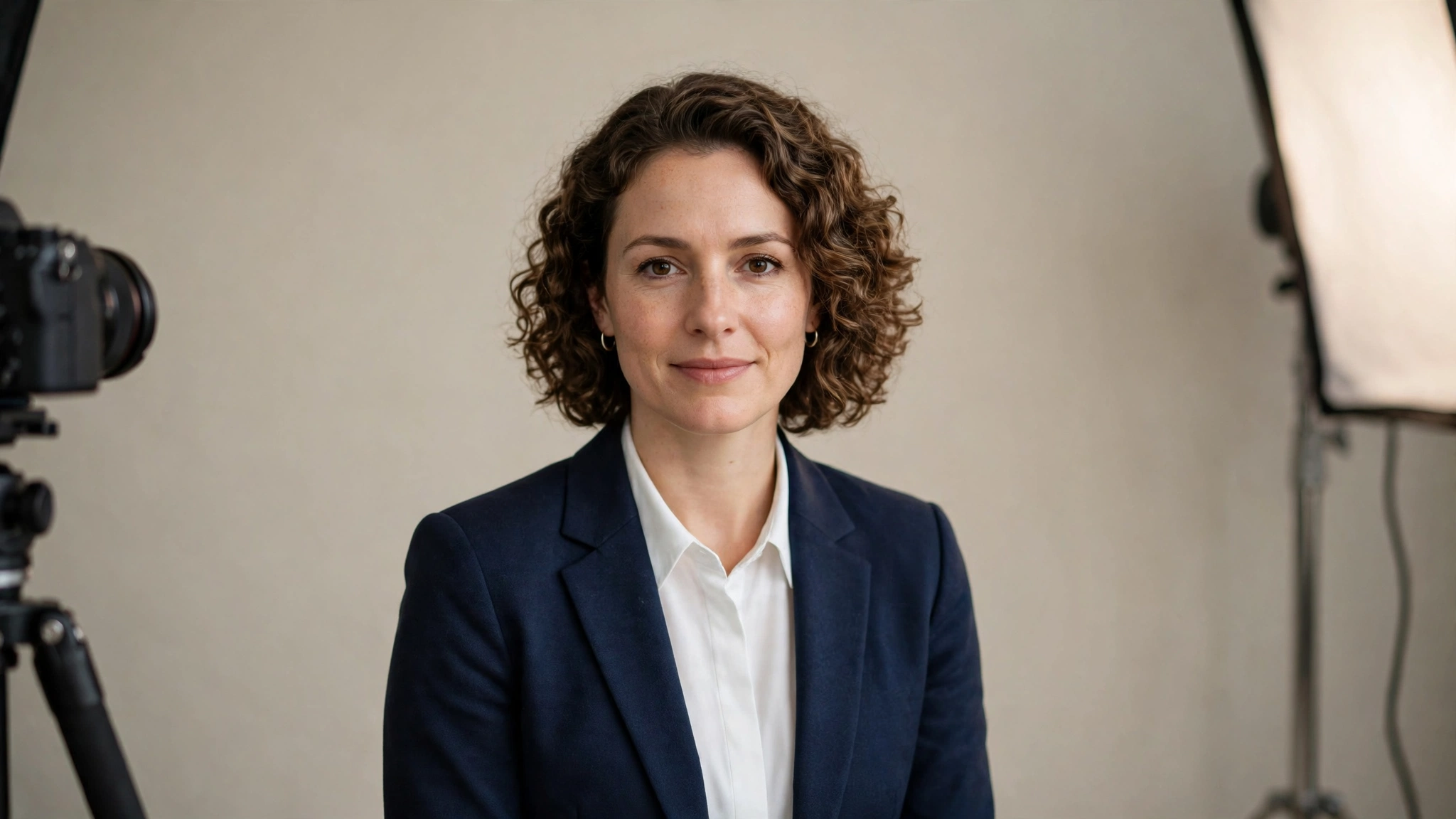
A free ai headshot generator promises something a studio session used to be the only way to get: a clean, professional-looking portrait for LinkedIn, a resume or a company team page, made from a single selfie. In 2027, several tools can genuinely deliver that — but free tiers differ sharply in realism, in how many photos you actually get, and in what you may do with the result. This guide compares the best free AI headshot generators by the job you need done, so you pick the right free tier first time instead of uploading your face to five different services.
Key takeaways
- No single free AI headshot generator is best for every job — LinkedIn, a resume, a team page and a creative profile each favour a different style.
- Every genuinely free tier has a limit: a small number of photos, a watermark, a sign-up wall, or a cap on export size.
- The selfie you upload matters more than the tool you choose — a sharp, front-facing, well-lit photo is the biggest realism upgrade.
- AI headshots are NOT valid for passports or government ID, which require unedited photographs.
- Only upload a photo of yourself, and check what each tool does with face photos before you upload.
- Free tiers change often, so confirm the current allowance and licence on the tool’s official page first.
Direct answer: The best free AI headshot generator in 2027 depends on your job. For a no-fuss LinkedIn headshot, start with a dedicated free headshot tool such as FreeHeadshot; for a polished, editable result, Adobe Firefly’s headshot generator is the strongest free starting point; and for a quick no-sign-up test, a single-selfie tool such as free.ai’s headshot generator is worth trying. Judge every result with the realism checklist below before it goes anywhere professional.
Table of Contents
What is a free AI headshot generator?
An AI headshot generator turns a photo of you — usually one selfie — into a studio-style portrait. You upload a reference photo, choose a style, outfit or background, and the tool generates a new headshot with professional lighting and framing. A free ai professional headshot generator offers some of that without payment, typically through an ongoing free tier, a small free set of photos, or a trial of a paid pack.
That distinction matters. An ongoing free tier is something you can return to next week. A one-off trial ends once you have used your free photos, and a paid pack dressed up as “free” may only let you preview a watermarked result. When you search for an ai headshot generator free tool, check which of the three you are getting before you upload anything. For AI tools beyond headshots, see our guide to the best AI tools, and for turning text into images from scratch, see our free AI photo generator guide.
What is the best free AI headshot generator?
There is no one winner, because “best” changes with the job. A tool that makes a convincing corporate headshot may offer few creative styles, and a tool built for quick social avatars may not give you a result formal enough for a company directory. Choose by job, not by headline claims.
Which free AI headshot generator is best for LinkedIn?
For LinkedIn, you want a clean, conservative result: head and shoulders, a plain or softly blurred background, natural colours, and a face that still looks like you. An ai linkedin headshot generator free tier should therefore be judged on likeness first and style range second. Dedicated headshot tools are built exactly for this job, and Adobe Firefly’s headshot generator is another strong option, because it lets you refine lighting, background and attire around your own reference photo rather than handing you a fixed preset.
Which free AI headshot generator is best for a resume or team page?
For a resume or a company team page, consistency matters more than variety. If a whole team is updating headshots, the same background, framing and lighting across every photo looks far more professional than five different styles. Pick one tool and one style, and run every team member’s photo through the same settings. A free professional headshot ai tool with a simple, repeatable studio style suits this better than a tool offering dozens of creative looks you will never use.
Which free AI headshot generator is best for a creative profile?
For a creative profile — a portfolio, a creator page, or a personal site — you can afford a bolder look: warmer light, an outdoor-style background, or a more relaxed outfit. Here, style range and editing control matter more than corporate formality. Tools inside a wider image editor are useful, because you can adjust the result or crop it to match your site without exporting between apps. If your profile also needs narration or a video intro, pair the headshot with our free AI voice generator guide.
Best free AI headshot generators compared
The table describes free tiers qualitatively, because exact allowances and limits change frequently. Always confirm current terms on the vendor’s official page. “Small free set” means a handful of photos, not an unlimited supply.
| Tool | Free allowance | Realism strengths | Styles | Best for |
|---|---|---|---|---|
| Adobe Firefly headshot generator | Ongoing free tier, limited allowance; free account required | Control over lighting, background and attire from your own photo | Corporate, studio and creative | Polished LinkedIn and work headshots you may want to edit |
| FreeHeadshot | Small free set from one selfie, no sign-up stated | Straightforward studio-style results from a single photo | Wide range of studio styles | A fast, no-sign-up LinkedIn headshot |
| free.ai headshot generator | Small free set from one upload, no sign-up stated | Identity-preserving variations in attire and lighting | Corporate and casual | Testing several looks from one photo |
For official details, start with Adobe’s own Adobe Firefly headshot generator page and FreeHeadshot, and see free.ai’s AI headshot generator for a third single-selfie option.
Is there a free AI headshot generator with no sign-up?
Yes — a few dedicated free headshot tools work without creating an account. FreeHeadshot states no sign-up and no card for its free set, and other single-selfie tools offer a similar no-account first photo. That is rarer than it sounds: most free tiers require a free account so the tool can track your allowance, and tools inside larger platforms, such as Adobe Firefly, require an account by design.
A no-sign-up tool is convenient, but account-based tools usually remember your photos and offer more styles and editing — worth it if you are building a set for a team.
How many free headshots do I get?
There is no single number, and any roundup that gives you one without a date is already out of date. Some free tiers give a small set of photos per day, some give a one-off free photo, and some give ongoing credits that refill over time. A daily allowance suits trying a new style each day; a one-off free photo suits a single urgent need; credits suit generating several variations in one sitting and picking the best.
Before you start, check the official page for photo count, reset timing, and whether the free export is full size or capped — a headshot too small for a team page is not really free for that job.
Do AI headshots look realistic?
Good ones do — at profile-photo size, on a phone screen. The best free results keep your likeness recognisable while fixing lighting, background and framing, which is exactly what a studio photographer does. But AI headshots still have tells, and they show up when someone looks closely or views the photo at full size. Always inspect the full-size download, not just the preview.
Realism checklist: how to spot an AI-looking result
- Skin: natural texture, or suspiciously smooth, waxy or plastic?
- Eyes: both sharp, the same size, looking in a natural direction?
- Hair: natural edges, or blurred and merged with the background?
- Ears and neck: do they join the head naturally, without warping?
- Clothing: do collars and buttons follow real garment logic, or melt and duplicate?
- Background: clean and consistent, without warped objects or odd shadows?
- Likeness: would a colleague recognise you instantly, or does it look like a more polished stranger?
If a result fails on likeness, discard it even if it looks beautiful. A headshot’s job is to represent you, and a flattering photo of someone who is not quite you is worse than a plain photo that is.
How do I choose the best selfie for an AI headshot?
The input photo decides the output. A generator can improve lighting and background, but it cannot recover detail from a dark, blurry or angled selfie. Follow these steps before you upload:
- Use a recent photo — taken in the last few months, showing how you look now.
- Face the camera directly — whole face visible, eyes open, no sunglasses or heavy filters.
- Find soft, even light — face a window in daylight, or stand in open shade. Avoid harsh overhead light and backlight.
- Keep the background simple — a plain wall beats a busy room.
- Frame head and shoulders — a little space above your head, shoulders included, so the tool can crop to a standard headshot.
- Check sharpness at full size — if your eyes are soft or the image is noisy, take a new photo rather than hoping the AI will fix it.
- Generate several variations — run the same good selfie through two or three styles, then compare at full size against the realism checklist.
One more rule: only upload a photo of yourself. Generating a “professional” headshot of someone else without their consent is a misuse of their likeness, and many tools prohibit it in their terms.
Can I use an AI headshot on LinkedIn or for work?
For LinkedIn, resumes, company team pages, email signatures and personal websites, yes — these are exactly the uses free AI headshot tools are designed for, and LinkedIn has no policy that bans AI-generated profile photos. The judgement call is professional, not legal: if clients will meet you in person, a real photograph may still be safer. If a colleague would feel misled on meeting you, the headshot is too altered.
Commercial use is a separate question and depends on the tool and plan. Some free tiers allow commercial use, some restrict it to personal profiles, and some reserve commercial rights for paid plans. Before using a free headshot on a business website or in marketing material, read the licence terms for your exact plan and note which tool and plan generated the image.
Are AI headshots valid for passports or ID?
No. AI headshots are NOT valid for passports or government ID. Passport and official ID photographs must be unedited photographs meeting strict official requirements on size, background, lighting and likeness, and an AI-generated or AI-altered image does not qualify. Never submit an AI headshot for a passport, driving licence, visa or any other government document — use a compliant, unedited photograph taken to the issuing authority’s specifications instead.
What should I check before using an AI headshot professionally?
- Likeness: unmistakably you at full size, not just as a thumbnail.
- Realism: it passes every item on the realism checklist — skin, eyes, hair, clothing and background.
- Appropriateness: outfit, background and tone fit the platform: formal for a corporate directory, relaxed for a creative portfolio.
- Licence: your plan’s terms allow this use, especially for business or marketing purposes.
- Disclosure: where an employer, client or platform expects a real photograph, say so or use a real photograph instead.
- Privacy: you know what the tool does with your uploaded photo — whether it stores it, for how long, and whether it is used for training.
Privacy: what happens to your face photo?
Uploading a selfie means handing a face image to a third party, so this deserves a minute before you click upload. Tools differ widely: some state that uploads are deleted after processing and never used for training, some keep your photos in an account gallery so you can re-download them, and some may retain images under their general terms. None of that is visible in the generated headshot, so read the tool’s privacy policy.
As a minimum: only upload your own photo, delete your gallery or account when you are done if the tool allows it, and never upload a selfie to a tool you would not trust with your ID photo. If its privacy terms are vague about face photos, pick a clearer alternative.
Free AI headshots vs a studio photographer
A free AI headshot wins on speed, cost and convenience: one selfie, a minute or two, no booking. A studio photographer still wins on guaranteed likeness, real direction, and a photograph usable anywhere AI images are inappropriate. For everyday profiles in 2027, a good free AI headshot is enough; for an executive profile or press photo, a real photographer remains the better investment.
Frequently asked questions
Is an AI headshot free really free?
Generation is free within the tier’s limits, but every free tier trades something: a small photo count, a watermark, a sign-up wall, a capped export size, or fewer styles. Check the official page for the current deal first.
Can I use a free AI headshot for a job application?
Yes, for a resume or LinkedIn profile, provided the photo genuinely looks like you and passes the realism checklist. Never use one where an official photograph or ID document is required.
Do I need a professional camera photo to start?
No. A recent phone selfie in good light, facing the camera, is enough for most tools. A sharp phone photo beats a blurry professional one.
What if my AI headshot does not look like me?
Try a better selfie first — sharper, more front-facing, better lit — then try a different style or tool. If several attempts still miss your likeness, use a real photograph instead.
3 thoughts on “Best Free AI Headshot Generators in 2027: Professional Photos Without a Studio”