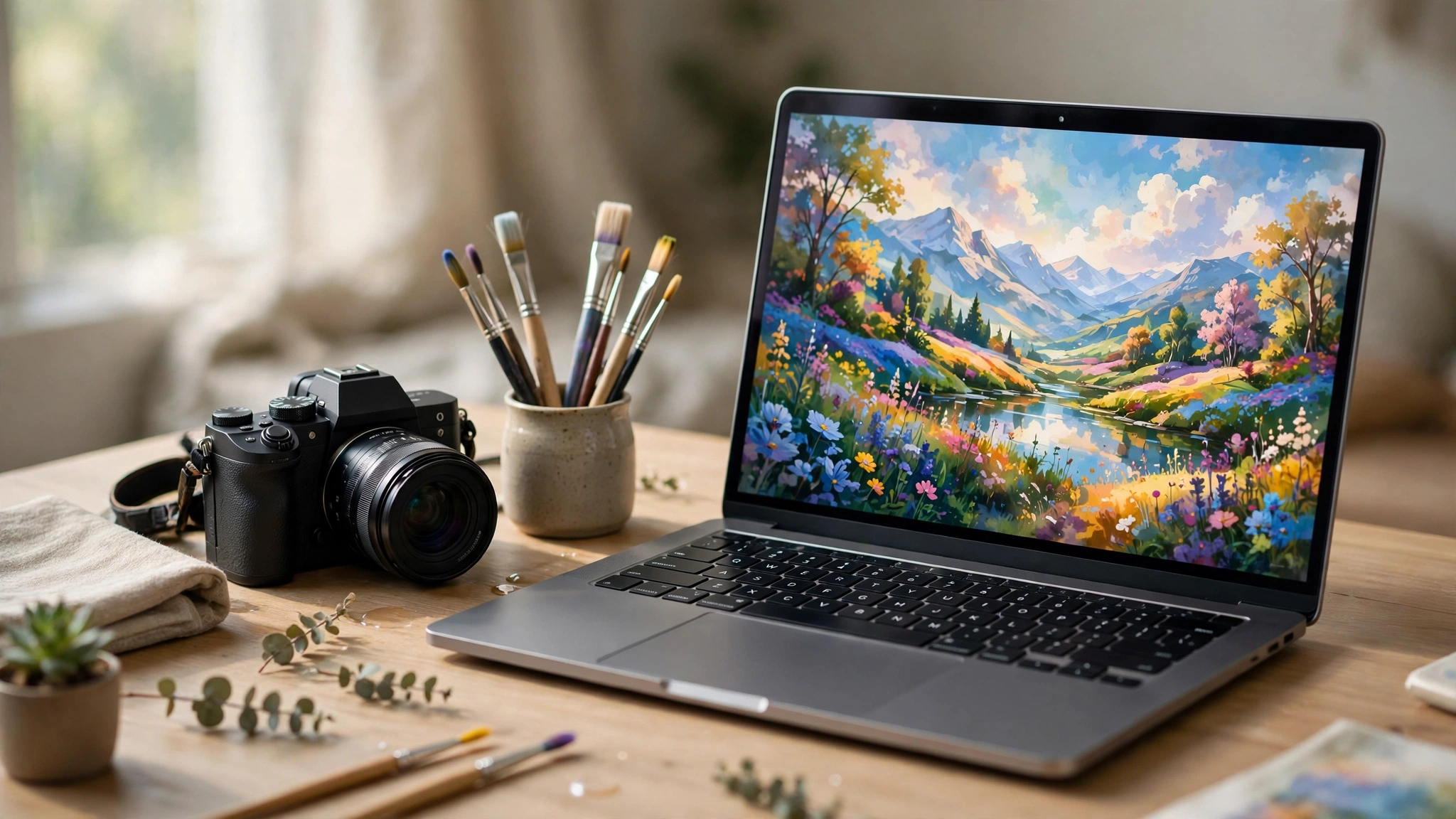
What Is an AI Image?
An AI image is an image created or edited by artificial intelligence from a text prompt, a reference photo, or both. You describe what you want in plain words — “a golden retriever puppy in a sunlit kitchen” — and an AI image generator produces a brand-new picture in seconds. The image never existed before: no camera took it, no illustrator drew it. It is the model’s best visual answer to your description, built from patterns it learned from millions of image-text pairs.
AI images are everywhere in 2027. They illustrate blog posts, product mockups, social media graphics, book covers, and adverts. They also edit real photos: removing backgrounds, extending a cropped shot, or changing the style of a picture you already own. This guide explains what an AI image is, how AI image generation works in plain language, which tools are worth trying, and how to write prompts that give you the picture you actually want.
Table of Contents
Key Takeaways
- An AI image is a new picture generated by a machine-learning model from a text prompt, a reference photo, or both — no camera or illustrator involved.
- Most modern AI image generators use diffusion models, which start with random visual noise and refine it step by step until it matches your prompt.
- The best AI image generator depends on the job: ChatGPT is the easiest all-rounder, Midjourney is the most artistic, Ideogram handles text best, and Adobe Firefly is the safest bet for commercial work.
- A good prompt names the subject, the action, the setting, the style, and the format — and says what to leave out.
- Free tiers exist, but they come with limits; always check a tool’s own terms before using an AI image commercially.
How Does AI Image Generation Work?
AI image generation sounds like magic, but the idea underneath it is straightforward. A model is trained on an enormous collection of images, each paired with words describing it. By studying millions of these pairs, the model learns what dogs look like, what “golden hour light” means, and how a mountain differs from a skyscraper. When you type a prompt, it uses everything it learned to build a new image that fits your words.
Diffusion models: the engine behind most AI image tools
Almost every leading AI image generator in 2027 is built on a diffusion model. The process works like this: the model starts with a field of random visual noise — essentially television static — and then removes the noise in a series of small steps, each one guided by your prompt. After dozens of steps, the static has become a coherent picture. Because the model refines the image gradually, it can produce fine detail, realistic lighting, and convincing textures. Tools such as ChatGPT’s image generation, Google’s Nano Banana in Gemini, Midjourney, and Stable Diffusion all use diffusion at their core.
GANs and other approaches
Before diffusion took over, the best-known approach was the GAN, or generative adversarial network. A GAN trains two networks against each other: a generator that creates images and a discriminator that judges whether each image looks real. The generator keeps improving until it can fool the discriminator. GANs still power some specialised tools, but diffusion models produce more detailed and more controllable results, which is why they dominate today. A third approach, autoregressive generation, builds the image in chunks, predicting each piece from the ones before it — similar to how a language model predicts the next word.
What the model actually learned
It helps to know what an AI image model can and cannot do. It has learned patterns, not facts. It knows what a typical wedding photo looks like, but it does not know your wedding. That is why AI image generators are brilliant at “a cosy cabin in the snow” and unreliable at “my exact house, from the exact angle I remember.” The more specific and visual your prompt, the better the result — because you are steering the model toward the patterns it knows best.
The Main Ways to Make an AI Image
There is more than one kind of AI image generation. The mode you choose decides how much control you have and what the result looks like.
| Mode | What it does | Best for |
|---|---|---|
| Text-to-image | Creates a new image from a written prompt alone | Blog illustrations, social posts, concept art, anything from scratch |
| Image-to-image | Transforms a photo you upload into a new style or scene | Turning a photo into a painting, restyling a product shot |
| Inpainting | Regenerates only a selected part of an image | Removing an object, fixing a face, changing one detail |
| Outpainting | Extends an image beyond its original edges | Turning a square photo into a wide banner, fixing a bad crop |
| Upscaling | Increases resolution and sharpens detail | Printing a small image, rescuing a low-resolution photo |
| Background removal | Separates the subject from its background | Product photos, profile pictures, clean cut-outs |
If you only remember one thing from this section, remember this: text-to-image is for creating, image-to-image and inpainting are for editing. Most beginners start with text-to-image, then discover that editing an existing picture is where AI image tools save the most time. Our guide to text to image AI goes deeper into the prompt-only side of things.
The Best AI Image Tools in 2027
There are dozens of AI image generators, but a handful cover almost every need. Here is how they compare, and who each one suits.
| Tool | Best for | Free option | Standout strength |
|---|---|---|---|
| ChatGPT | Easiest all-rounder | Yes, with limits | Conversational edits — describe changes in plain words |
| Google Gemini (Nano Banana) | Fast edits and Google users | Yes, with limits | Keeps people and products consistent across edits |
| Midjourney | Artistic, stylised results | No | The strongest sense of style and mood |
| Adobe Firefly | Commercial-safe work | Yes, limited daily use | Trained on licensed content; built into Photoshop and Express |
| Ideogram | Text inside images | Yes, with limits | The cleanest logos, posters, and typography |
| Leonardo.ai | Game art and concept art | Yes, freemium | Fine control over style and game assets |
ChatGPT: the easiest place to start
ChatGPT is the best AI image generator for most beginners because you talk to it like a person. Describe the image, see the result, then say “make the sky warmer” or “remove the fence” and it edits the same image. Its text rendering — words inside the picture — is among the best available, which makes it a strong choice for posters and social graphics. A free tier exists with limits on how many images you can make; check ChatGPT’s own pricing page for the current limits.
Google Gemini: fast edits for Google users
Google’s image model, known as Nano Banana, lives inside the Gemini app. It is fast, and it is unusually good at keeping a person or a product looking the same across several rounds of edits — useful when you need a consistent character or product shot. If you already live in Google’s apps, this is the most convenient option. Our Google Gemini image generator guide walks through it in detail.
Midjourney: the most artistic results
Midjourney is the tool artists reach for when the look matters most. Its images have a distinctive, polished quality that other tools struggle to match, especially for illustration, fantasy, and cinematic scenes. The trade-off is that it is a paid tool with its own way of working — prompts are entered in a web app or on Discord, and it takes a little learning. If you want art rather than a quick illustration, start here.
Adobe Firefly: the safest choice for commercial work
Adobe Firefly is trained on licensed Adobe Stock content and public-domain material, which makes it the most defensible choice when an image will be used commercially. It is built into Photoshop, Express, and the Firefly web app, so its generative fill and background tools sit inside the editor you may already use. A limited free tier is available; paid plans remove the limits. Our AI Photoshop guide explains how Firefly’s generative fill works inside Photoshop.
Ideogram: the best for text in images
For years, AI image generators mangled any text they tried to draw. Ideogram is the tool that fixed that first, and it remains the best choice when the image must contain readable words — a logo, a poster, a book cover, or a sign. If your image has no text, the other tools are just as good; if it does, Ideogram earns its place.
How to Write an AI Image Prompt That Works
Prompting is a skill, and it is simpler than it looks. A strong AI image prompt covers five things: the subject, the action, the setting, the style, and the format. Add a sixth — what to leave out — and most prompts start working on the first or second try.
The prompt formula: subject + action + setting + style + format + what to avoid.
Worked example. Instead of typing “dog”, try this: “A golden retriever puppy sitting in a sunlit kitchen, looking up at the camera, photorealistic, 85mm lens, shallow depth of field, warm morning light, square format, no text, no watermark.” Every extra detail is a decision you have taken away from the model, which is exactly what you want.
Common prompt mistakes
| Mistake | What happens | Fix |
|---|---|---|
| One-word prompt (“dog”) | The model guesses everything else | Add subject, setting, style, and format |
| Too many ideas at once | A crowded, confused image | One subject, one scene, one mood |
| Vague style words (“nice”) | Generic, forgettable results | Name the style: “watercolour”, “35mm film photo”, “flat vector illustration” |
| Forgetting the format | Wrong shape for the job | Say “square”, “wide 16:9 banner”, or “vertical portrait” |
| Accepting the first result | You settle for the weakest version | Generate four variations, keep the best, edit that one |
When a result is close but not right, do not start over. Describe the change: “keep everything, but make the light warmer and remove the fence.” Editing in conversation is faster than re-rolling from scratch, and it is where tools like ChatGPT and Gemini shine.
Can AI Images Look Realistic?
Yes — modern AI image generators can produce photorealistic images that pass at a glance. But “at a glance” is doing a lot of work in that sentence. Zoom in and you will still find the tells: hands with the wrong number of fingers, text that is almost but not quite a real word, reflections that do not match the scene, or a background detail that makes no physical sense. These errors are rarer than they were two years ago, but they have not disappeared.
That matters in two ways. First, always inspect an AI image at full size before you publish it, especially any hands, faces, or text. Second, do not use a photorealistic AI image to pretend a real event happened. An AI image of a place, a person, or an event that never existed is an illustration, not evidence — and presenting it as a real photo is misleading. If you want to improve a real photo instead of generating a new one, our best free AI photo generators guide covers the tools that enhance rather than invent.
Can I Use AI Images Commercially?
The honest answer is: it depends on the tool and the plan. Most paid plans grant you commercial use of the images you generate, and some free tiers do too — but others do not, and the terms change. Adobe Firefly’s licensed training data makes it the most comfortable choice for commercial work, while open-weights models such as Stable Diffusion and FLUX give you the most freedom to run things yourself.
Three rules keep you safe. First, read the terms of the tool you actually used — not a summary on another blog. Second, do not generate images of real, identifiable people or trademarked characters and use them commercially. Third, remember that copyright in AI-generated images is still unsettled in many countries: you can usually use what you made, but you may not be able to stop someone else using something similar. When in doubt, treat the image as an illustration you have a licence to use, not as property you own outright.
Which AI Image Tool Should You Pick?
- You want the easiest start: ChatGPT — describe it, see it, edit it in plain words.
- You live in Google’s apps: Gemini — fast, consistent edits, no new account to learn.
- You want art, not just an illustration: Midjourney — the strongest style, worth the paid plan.
- The image will be used commercially: Adobe Firefly — licensed training data and a clear conscience.
- The image must contain readable text: Ideogram — logos, posters, and covers.
- You want it free: start with the free tiers of ChatGPT, Gemini, or Firefly, and check the current limits on each tool’s own pricing page.
Most people only need one tool. Pick the one that matches your main job, learn its prompting style, and keep the others in mind for the jobs it handles badly. Here at Digital Discoverist, we test AI tools so you can skip the ones that waste your time — and the image tools in this guide are the ones that survived that test. For more, browse our Discover Tools guides.
Frequently Asked Questions
What is an AI image?
An AI image is a picture created or edited by a machine-learning model from a text prompt, a reference photo, or both. It is a new image that never existed before, generated in seconds from your description.
Can I generate AI images for free?
Yes. ChatGPT, Google Gemini, Adobe Firefly, Ideogram, and Leonardo.ai all offer free tiers, but each limits how many images you can make or which features you can use. Check the tool’s own pricing page for the current free limits.
How do I write a good AI image prompt?
Name the subject, the action, the setting, the style, and the format — then say what to leave out. For example: “A golden retriever puppy sitting in a sunlit kitchen, photorealistic, 85mm lens, warm morning light, square format, no text, no watermark.”
Can AI generate text in images?
It can, and it has improved a lot, but it is still not perfect. Short words usually come out clean; long sentences and small text often contain errors. Ideogram is currently the most reliable tool for text, and you should always check every word before publishing.
What is the difference between text-to-image and image-to-image?
Text-to-image creates a brand-new image from a written prompt alone. Image-to-image starts from a photo you upload and transforms it — changing the style, the scene, or the details — while keeping the composition roughly the same.
Can I edit a photo with AI?
Yes. Inpainting removes or replaces part of a photo, outpainting extends it beyond its edges, and background removal separates the subject from its background. Adobe Firefly and ChatGPT both handle these edits well.
Who owns an AI-generated image?
It depends on the tool and the plan you used. Most paid plans grant commercial use, but the legal position is still unsettled in many countries. Read the tool’s own terms before using an image commercially.
1 thought on “AI Image in 2027: How AI Image Generation Works and the Best Tools to Try”