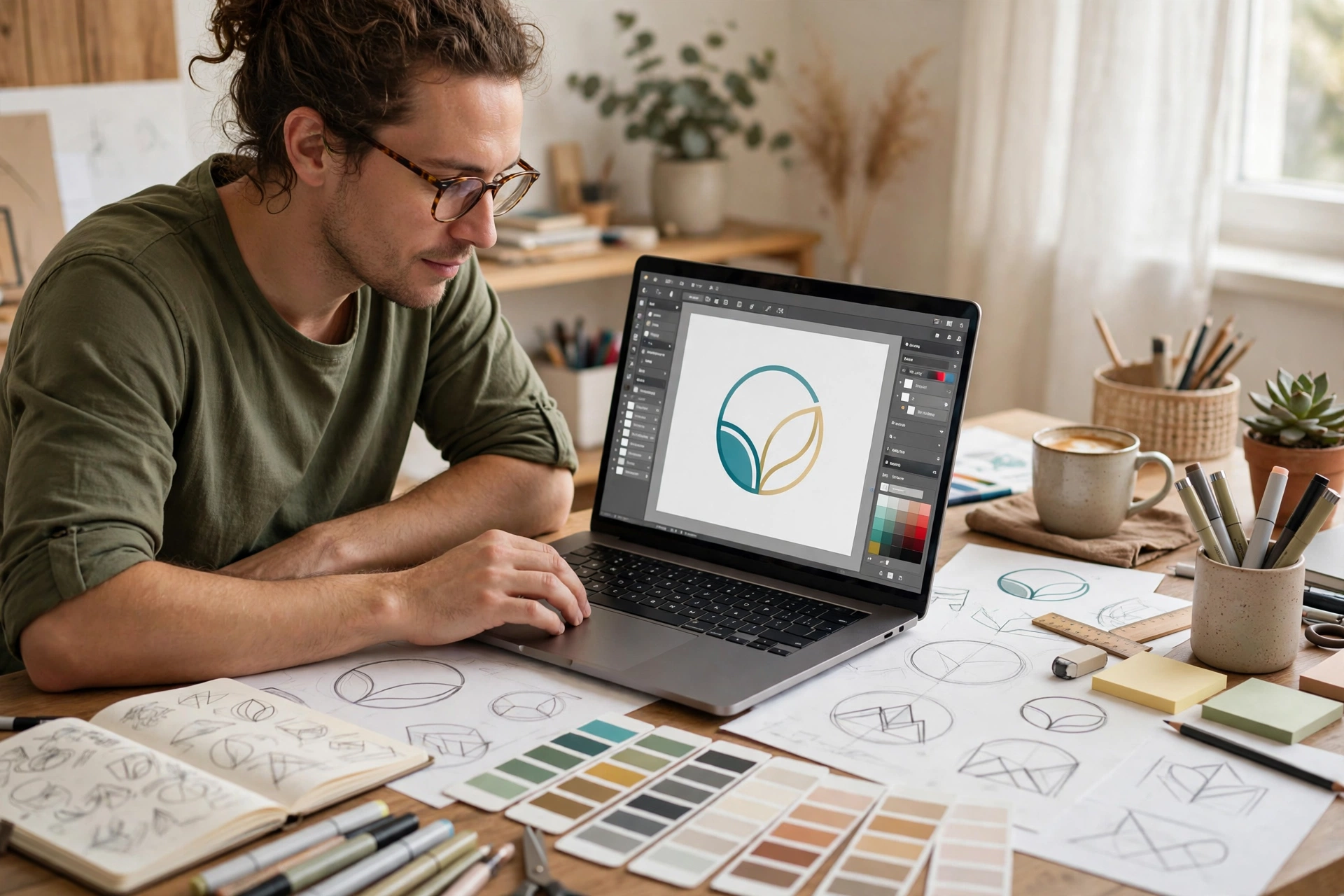
An ai logo generator free tier sounds like a simple deal: type your business name, get a logo, pay nothing. In practice, “free” means very different things from one tool to the next. Some tools let you download a usable logo with no watermark and no payment. Others let you design for free and only ask for money when you press download — often for the high-resolution file, the vector version, or the version without a watermark. This guide to the best free AI logo generators in 2027 sorts the well-known options by what you can actually take home, so you do not spend an hour designing a logo you cannot use.
Key takeaways
- Only a few free AI logo generators let you download a usable logo for nothing — most are free to design, paid to download.
- The file you get matters more than the logo on screen: a small PNG suits a website header, but print and signs need a vector (SVG) file.
- Watermarks and commercial-use rights vary by tool and plan — check the vendor’s own terms before business use.
- For a zero budget, start with a genuinely free download tool; for a distinctive mark, a prompt-based generator gives more originality.
- Free tiers and licence terms change often, so confirm current terms on the official tool page before committing to a logo.
Direct answer: The best free AI logo generator in 2027 depends on what you need to download. For a genuinely free logo with commercial use, LOGO.com and Wix Logo Maker are the strongest starting points. For a free SVG file, Namecheap Logo Maker and VistaPrint’s AI Logomaker stand out. For a logo inside a wider design workflow, Canva and Adobe Express are the most practical free options. And for a logo that must include readable words, Ideogram is the best prompt-based starting point.
Table of Contents
What is the best free AI logo generator?
There is no single winner, because “best” changes with the job. A free ai logo generator can mean two different things: a template-based logo maker that builds a logo from icons, fonts and colour palettes, or a prompt-based image generator that draws a mark from a text description. Template makers are faster and more predictable; prompt-based generators are more original but harder to control. Before you start, decide what “free” must mean for you: if you need a logo today, a genuinely free download matters most; if you are only exploring ideas, a free design preview is enough. For AI tools beyond logos, see our guide to the best AI tools.
Which free logo maker is best for a small business?
For a small business, the best free logo maker is one that hands you a usable file with commercial rights at no cost. LOGO.com is the classic example: it lets you generate concepts and download PNG files, including a transparent version, with commercial use on its free tier. Wix Logo Maker is a strong alternative — its free download includes both PNG and SVG files with no watermark, which is unusually generous. If your business will need a website too, see our best AI website builders guide.
Which free logo maker is best for a startup?
Startups usually need flexibility: a logo that works on a pitch deck, a website and, later, packaging. That means a vector file matters, because an SVG scales to any size without going blurry. Namecheap Logo Maker and VistaPrint’s AI Logomaker both offer free SVG downloads after sign-up. Canva is also worth considering: its free plan lets you design and export a PNG logo, and the same account covers social posts, pitch decks and business cards — though SVG export sits behind its paid plan.
Which free logo maker is best for a YouTube channel?
For a YouTube channel, you mainly need a clean PNG that reads well at small sizes — as a channel icon and video watermark. A transparent PNG is ideal, because it sits neatly over thumbnails. LOGO.com’s free transparent PNGs, Canva’s free exports and Adobe Express’s free PNG downloads all work well here. Keep the design simple: a single bold shape and one or two colours survive shrinking to icon size far better than a detailed illustration.
Best free AI logo generators compared: what you actually get
Every ai logo generator free tier below was judged on the same question: what file can you actually take home? The table describes free tiers qualitatively, because exact limits and terms change frequently. Always confirm current terms on the vendor’s official page before using a logo commercially. “Free download” means you can leave with a usable file at no cost, not just preview a design on screen.
| Tool | Free download | SVG free | Watermark | Commercial use | Best for |
|---|---|---|---|---|---|
| LOGO.com | Yes — PNG, including transparent | No — vector files are paid | No | Yes, on the free plan | Small business logo with real usage rights |
| Wix Logo Maker | Yes — PNG and SVG | Yes | No | Check Wix’s terms for your use | A free logo plus SVG flexibility |
| Namecheap Logo Maker | Yes — PNG and SVG | Yes | No | Check Namecheap’s terms for your use | Free SVG with no download fee |
| VistaPrint AI Logomaker | Yes — PNG, PDF and SVG after sign-up | Yes | No | Check VistaPrint’s terms for your use | Print-ready files for free |
| Canva | Yes — PNG and other formats on the free plan | No — SVG is a paid feature | No, if you use free elements only | Check Canva’s licence terms | Logo inside a full design workflow |
| Adobe Express | Yes — PNG and other formats on the free plan | Check Adobe’s free-plan terms | No | Confirm licence for your plan | Brand assets and editing in one tool |
| Shopify Logo Maker (Hatchful) | Yes — PNG kit sized for social and web | No | No | Check Shopify’s terms for your use | Online store and social profiles |
| Ideogram | Yes — image downloads on the free tier | No — raster images only | No | Check Ideogram’s terms for your use | Logos with readable words |
| Looka | No — design free, download paid | No — paid plans only | Previews are watermark-free; downloads are paid | Paid plans only | Exploring polished concepts before paying |
| Recraft | Yes — image downloads on the free tier | Yes, but check commercial terms | No | Free-tier exports may exclude commercial rights — check terms | Vector-style marks and icons |
Use the “Free download” and “SVG free” columns first. A beautiful logo you cannot download is not a free logo — it is a free preview.
Is there a free AI logo generator with no watermark?
Yes — several genuinely free tools let you download a logo with no watermark, including LOGO.com, Wix Logo Maker, Namecheap Logo Maker, VistaPrint’s AI Logomaker, Canva’s free plan and Adobe Express’s free plan. The watermark trap mostly appears on tools that are free to design but paid to download: there, the preview looks clean, but the downloadable file either carries a watermark or requires payment to remove it. Never crop a watermark out of a logo — that almost always breaches the tool’s terms. If a tool watermarks its free downloads, treat it as a design-preview tool, not a free logo source.
Can I download a free AI logo as SVG?
Yes, but only from a handful of free tools. An SVG is a vector file: instead of pixels, it stores shapes and lines, so it scales from a favicon to a shop sign without losing sharpness. For print, embroidery, signage or any large-format use, an SVG (or another vector format such as PDF or EPS) is what you actually need.
Among free options, Wix Logo Maker, Namecheap Logo Maker and VistaPrint’s AI Logomaker are the standouts for free SVG downloads. Canva and LOGO.com keep vector files behind paid plans, though their free PNG downloads are fine for websites and social media. Prompt-based generators such as Ideogram produce raster images (PNG or JPEG), not vectors — you would need to trace or redraw the mark in a vector editor such as Inkscape if you need an SVG from one. For a deeper comparison, see the DataCamp roundup of the best free AI logo generators and the CSS Author guide to free AI logo generators and what you can actually download.
Can I use a free AI logo commercially?
It depends on the tool and the plan, so check the vendor’s own terms page, not a roundup — including this one. Some free tiers grant commercial use, some allow it only on paid plans, and some distinguish between personal projects, social posts and client work. LOGO.com is often cited because its free plan includes commercial use of the downloaded PNG. Other tools, such as Recraft, offer free downloads but restrict commercial rights on the free tier. Before using any free logo for business, read the terms for your exact plan and keep a note of which tool and plan produced the logo. If you plan to use an ai logo generator free download for a business, keep a note of the tool and plan that produced it.
Why do free logo makers charge at download?
The download is where a logo maker delivers its real value, so it is where most of them charge. Designing is cheap for the vendor, but a high-resolution, watermark-free, vector file with commercial rights is the product customers will pay for. That is why the common pattern is “free to design, paid to download”: the preview hooks you, and the price appears only once you have invested time in a design you like. The defence is simple: before designing anything, ask three questions — can I download a usable file free, is a vector version included, and does the free licence cover commercial use? If the answer to the first is no, the tool is a paid tool with a free preview.
How to make a free AI logo in 15 minutes
A logo does not need a long process. This quick workflow gets you from blank page to a usable file without paying:
- Write a one-line brief first. Business name, what you do, and one feeling the logo should give (trustworthy, playful, premium). If you cannot write that line, the tool cannot guess it for you.
- Pick your download-first tool. If you need a free file today, start with LOGO.com, Wix, Namecheap or VistaPrint. If you need a distinctive mark and can redraw it later, start with Ideogram.
- Generate wide, then narrow fast. Produce plenty of options, discard anything that does not read at favicon size, and shortlist two or three.
- Test at small size and in one colour. Shrink each finalist to icon size and view it in black and white. If it turns to mush or needs colour to make sense, drop it.
- Download every format offered free. Take the PNG, the transparent PNG and the SVG if one is available — you may not get a second free chance.
- Check the licence, then save it. Read the commercial-use terms for your plan, note the tool and plan used, and store the original files somewhere safe.
How do I make a logo that does not look like a template?
Template-based logo makers draw from shared icon libraries, so thousands of businesses can end up with near-identical marks. That is the main weakness of a free logo maker ai tool: speed and convenience at the cost of originality. Four habits help: start from your brief, not the gallery; customise more than the colour — change the icon, font pairing and spacing; consider a prompt-based generator for the concept, since it can produce a mark no template library contains; and combine tools, rebuilding the best idea cleanly in Canva or Adobe Express. One warning matters more than the rest: a free logo is not automatically a unique logo. Before investing in signage, packaging or a trademark application, run a trademark search and check that no competitor in your field uses a confusingly similar logo.
Free AI logo design: what to check before you commit
Before you put a free logo on your website, run this short checklist: do you have a transparent PNG for web and an SVG for print? Does your plan allow commercial use, including the uses you actually plan? Does the logo still read as a favicon and a social avatar? Does it work in a single colour for stamps, embroidery and photocopies? Have you searched for similar marks in your industry and checked trademark databases? Are the original downloads stored safely, with a note of the tool and plan used? A free ai logo design that passes all six checks is a solid foundation for a new business; one that fails the licence or originality check is a risk, however good it looks. If you are building a brand around the logo, our art idea generator guide can help with the wider visual identity, and our free AI photo generator guide covers matching imagery for your site and social posts.
The honest summary for 2027 is this: genuinely free logo downloads exist, but they are the exception, not the rule. Start with a tool that gives you a real file — LOGO.com or Wix for a PNG with commercial use, Namecheap or VistaPrint for a free SVG — and treat every other “free” tool as a preview until you have checked its download terms. A good free logo is one you can actually use, at any size, for your business, without a surprise at the download button.
Frequently asked questions
What is an ai logo generator free tool?
An online tool that creates logo designs from your business name and preferences, with some part of the service available at no cost. Some offer a genuinely free download; others are free only to design and preview.
Which free AI logo generator is best overall?
For most people starting a business on a zero budget, LOGO.com is the best overall free option because it combines a free download with commercial use. If you need a free SVG file, Wix Logo Maker, Namecheap Logo Maker or VistaPrint’s AI Logomaker are better picks. For a logo inside a wider design workflow, Canva or Adobe Express are more practical.
Do free AI logo generators require an account?
Most do. Free downloads usually require a free account so the tool can track your designs and licence. A few tools let you design without signing up, but the download normally needs an account.
Can I trademark a logo made with a free AI logo generator?
Possibly, but it is not automatic. Template-based marks may be too similar to other businesses’ logos, and some free licences do not cover trademark registration. Search trademark databases first and check the tool’s licence terms; for a brand you plan to protect, professional legal advice is worth it.
What file format should I download for my logo?
Download a transparent PNG for websites and social media, and an SVG (vector) file for print, signage and anything that may be resized. If a tool only offers a free PNG, that is fine for digital use, but plan to recreate the mark as a vector later if the brand grows.
3 thoughts on “Best Free AI Logo Generators in 2027: What You Can Actually Download for Free”