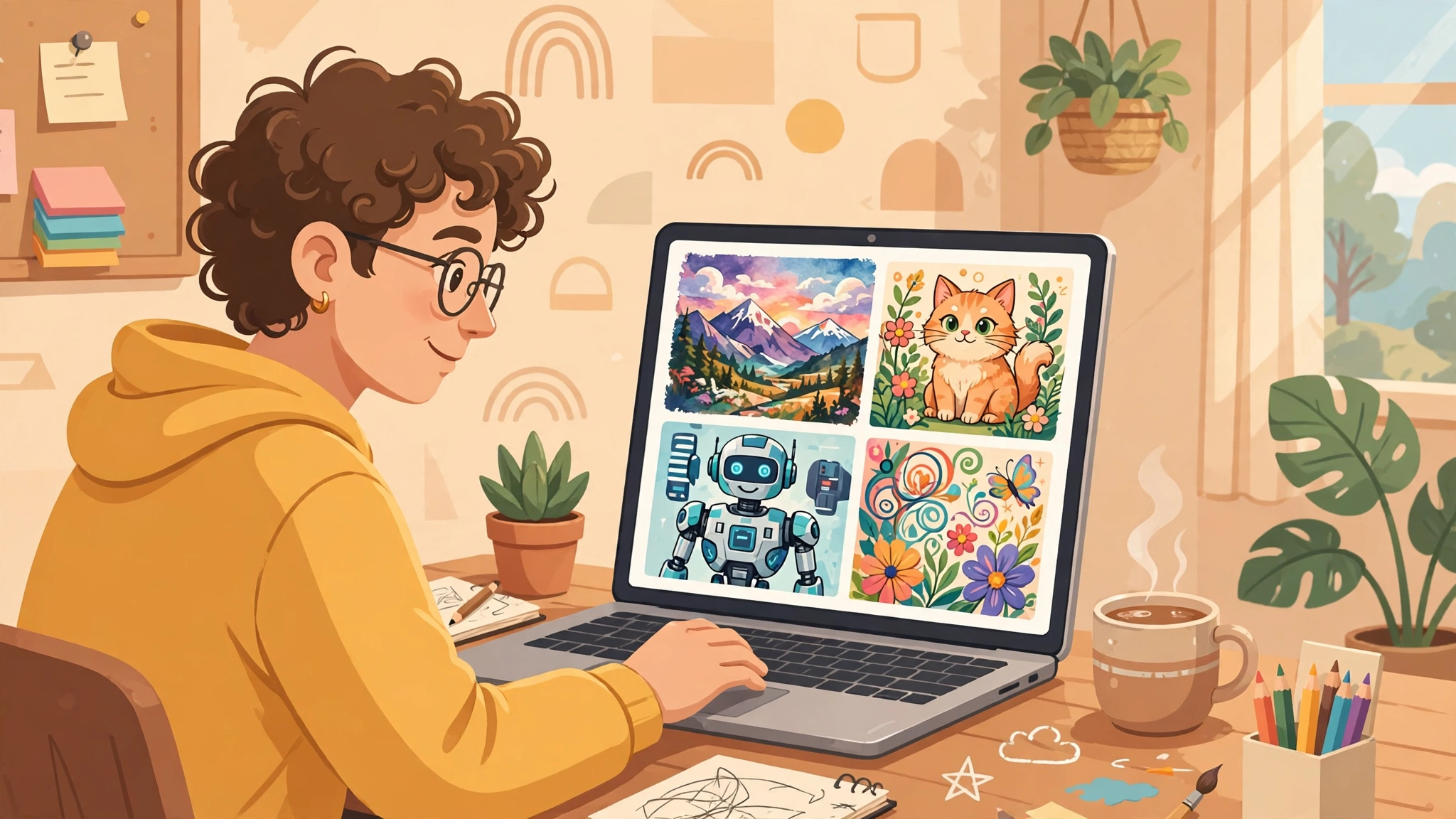
An ai picture generator can turn a short prompt into a finished image in seconds, but the best tool for a photorealistic portrait is rarely the best tool for a logo, a poster, or a slide background. The right choice depends on the picture type, how much control you need over style and detail, and whether you can use the result commercially. This guide compares the strongest options by picture type, so you can start with the tool that fits your job instead of testing every generator on the market.
Table of Contents
Key takeaways
- There is no single best ai picture generator — the winner changes by picture type, from photorealistic images to text-heavy graphics.
- For commercial work, licensing matters as much as image quality — check whether a free plan allows commercial use before you publish.
- Short, specific prompts with subject, style, lighting and composition beat long, vague prompts in almost every tool.
- Free plans are useful for testing style and quality, but paid plans usually unlock higher resolution, faster generation and commercial rights.
- Always review AI images for distorted hands, garbled text and odd details before using them in public work.
Direct answer: For photorealistic images, start with Midjourney or Flux. For art and illustration, try Midjourney or Ideogram. For images with readable text, Ideogram and Flux lead. For free use, start with Microsoft Designer, Adobe Firefly’s free tier, or Flux’s free options — then upgrade only if you need commercial rights or higher resolution.
What is an AI picture generator?
An AI picture generator creates images from text prompts using models trained on large collections of images and captions. You describe what you want — subject, style, colours, lighting, composition — and the model generates a new image that matches that description. Most tools also let you upload a reference image, change the aspect ratio, or edit part of an image after it is generated.
The output is not a copy of an existing picture. It is a new image assembled from patterns the model learned during training. That is why results can be striking and also why they can contain errors, especially with hands, faces, small text and complex scenes. Treat the first result as a draft, not a finished asset, and refine the prompt or edit the image before publishing it.
Best AI picture generators at a glance
| Tool | Best for | Free option | Commercial use |
|---|---|---|---|
| Midjourney | Photorealistic and artistic images | No | Yes, on paid plans |
| Flux | Photorealism and text in images | Yes, limited | Depends on plan and licence |
| Ideogram | Text, posters and typography | Yes, limited | Yes, on paid plans |
| Adobe Firefly | Safe commercial use | Yes, limited credits | Yes, designed for commercial use |
| Microsoft Designer | Free everyday images | Yes | Check current terms |
| DALL-E (ChatGPT) | Easy, conversational creation | Via ChatGPT free tier | Yes, subject to terms |
| Google Imagen (Gemini) | Google ecosystem users | Via Gemini free tier | Check current terms |
| Leonardo AI | Game art and illustration | Yes, daily credits | Yes, on paid plans |
| Stable Diffusion | Full control and local use | Yes, open models | Depends on model licence |
Use this table as a shortlist, not a final verdict. Style, pricing and licensing change often, so check the tool’s current terms before a commercial project — especially if the image will appear in advertising, packaging or a product.
Best AI picture generator for photorealistic images
Photorealism rewards models that handle skin texture, natural light and realistic depth of field. Midjourney remains a strong first choice for portraits, landscapes and product-style shots, especially when you add camera details such as lens, aperture and lighting to the prompt. Flux is a close rival and often produces cleaner, more natural-looking faces and hands.
For the most believable result, keep prompts grounded: name the subject, the setting, the time of day and the camera style, and avoid stacking too many unrelated ideas in one prompt. Generate several variations, zoom in to check eyes, hands and background details, and discard any image with subtle distortions that would look wrong at full size.
Best AI picture generator for art and illustration
For illustration, style control matters more than realism. Midjourney excels at painterly, cinematic and fantasy styles, while Leonardo AI is popular for game art, character design and consistent illustrated worlds. Both reward prompts that name a clear style — watercolour, flat vector, anime, oil painting — rather than simply asking for something “beautiful”.
If you need a repeatable style for a series, save your best prompts and settings, and reuse the same style words and seed or reference image where the tool supports it. That consistency is what turns a one-off image into a usable illustration system for a blog, book or brand.
Best AI picture generator for text and posters
Text is where many generators fail. Short words in large type work best, and Ideogram currently leads for posters, social graphics and typographic designs because it renders readable words more reliably. Flux also handles short text well. For logos, a dedicated tool is usually better than a general image generator — see our guide to free AI logo generators for options built specifically for marks and wordmarks.
Keep poster text short, use a plain background in the prompt if the tool adds clutter, and always proofread the final image at full size. Even the best text models can swap letters, so check every word before you publish — especially names, prices and dates.
Best AI picture generator for commercial use
Commercial use is a licensing question, not just a quality question. Adobe Firefly is built around commercially safe training data and is a sensible default for business work. Midjourney, Ideogram and DALL-E allow commercial use on paid plans under their terms, but the exact rights depend on the plan and the tool’s current licence. Free tiers often restrict commercial use, even when personal use is free.
Before using an AI image commercially, check three things: whether your plan allows commercial use, whether the tool’s training data raises rights concerns for your industry, and whether you need to disclose AI use in your market. When in doubt, keep the tool’s licence page with the project file, and prefer a tool designed for commercial work.
Best free AI picture generator options
Free options are best for learning and testing. Microsoft Designer offers a generous free route for everyday images, Adobe Firefly’s free tier gives limited credits with commercial-friendly training, and Flux and Leonardo AI offer free credits or daily allowances that are enough to compare styles. ChatGPT’s free tier and Gemini also include image generation for casual use.
Free plans usually limit resolution, generation speed, daily credits or commercial rights. That is fine for a blog draft or a social post, but for client work, upgrade to a paid plan first. If your main need is a free photo-style image rather than a generated one, our free AI photo generator guide covers that route in more detail.
How to write prompts that actually work
Good prompts are specific about four things: subject, style, lighting and composition. A prompt like “a dog” gives the model almost nothing to work with. A prompt like “a golden retriever puppy sitting in morning sunlight on a wooden porch, warm tones, shallow depth of field, eye-level photo” gives it a scene to build.
- Start with the subject and action: who or what is in the image, and what is it doing?
- Add the style: photo, illustration, watercolour, 3D render, or a named art style.
- Add light and mood: golden hour, soft studio light, dramatic shadows, bright and airy.
- Add composition: close-up, wide shot, centred subject, negative space for text.
- Finish with what to avoid, if the tool supports it: no extra fingers, no garbled text, no cluttered background.
Iterate in small steps. Change one element at a time — style, then lighting, then composition — so you can see what improved the result. Save prompts that work well, and reuse them as templates for future images in the same series.
AI picture generators vs photo editors
Generators create new images; editors improve existing ones. In practice you will often need both: generate a base image, then crop it, adjust colour, remove a flaw or add text in an editor. For that second step, an online photo editor is often faster than regenerating the image until it is perfect. Video creators should also note the overlap with tools like Google Veo 3, which generates moving images from prompts rather than still pictures.
A practical workflow is: generate three to five variations, pick the strongest composition, edit it for colour and cropping, and check the final image at the size it will actually be used. That workflow saves credits and produces more consistent results than endless regeneration.
Frequently asked questions
What is the best AI picture generator overall?
There is no single winner. Midjourney and Flux lead for photorealism, Ideogram leads for text, and Adobe Firefly leads for commercially safe work. Choose by picture type and licence, not by a single ranking.
Can I use AI-generated images commercially?
Often yes, but it depends on the tool and plan. Paid plans from Midjourney, Adobe Firefly, Ideogram and DALL-E generally allow commercial use under their terms, while many free tiers do not. Always check the current licence before commercial use.
What is the best free AI picture generator?
Microsoft Designer, Adobe Firefly’s free tier and Flux’s free options are good starting points. They are best for testing and personal use; upgrade for higher resolution and commercial rights.
Why do AI images have weird hands or text?
Models learn patterns, not anatomy or spelling, so small details like fingers and letters are easy to get wrong. Generate variations, zoom in to check, and edit the best result rather than publishing the first output.
The best ai picture generator for you is the one that matches your picture type, your budget and your licence needs. Start with the shortlist above, test two tools on the same prompt, and keep the one that gives you usable images with the least editing. For a broader comparison across AI tools, see our best AI tools guide. External reading: Creatify’s AI image generator guide and Albato’s comparison of AI image generators.
Discover more Discover Tools guides for AI image and creative tools.
1 thought on “Best AI Picture Generators in 2027: Top Picks by Picture Type”