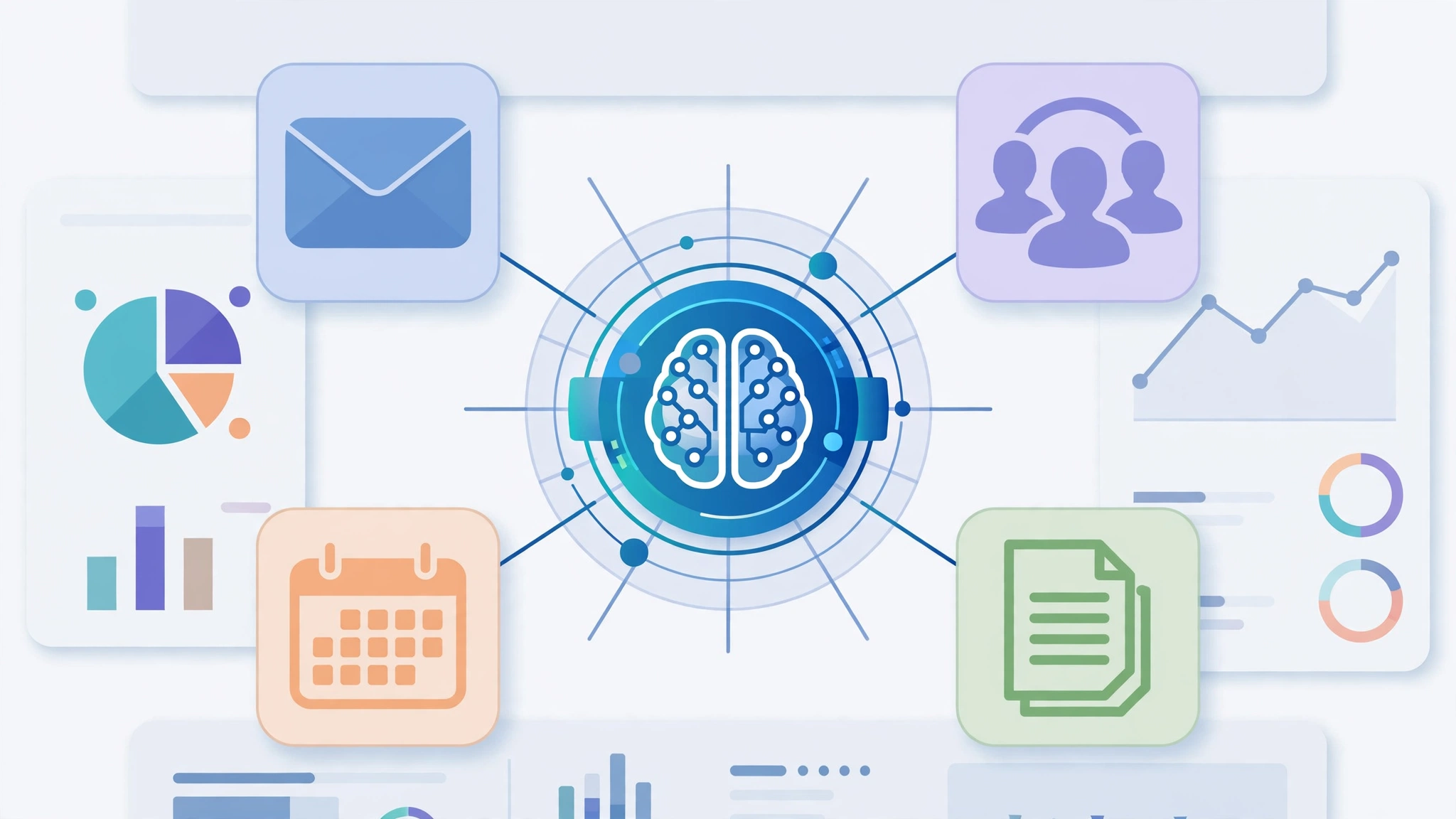
AI agents integration is the work of connecting an AI agent to the business tools your team already uses — your CRM, email, documents, ticketing system and calendar — so the agent can read information from those tools and, with your permission, take actions inside them.
A chatbot that only answers questions in a chat window is not integrated. An integrated agent can look up a customer record, draft a reply from real order history, file a support ticket, or book a meeting, because it has a safe, controlled connection to the system where that work lives. In 2027, that connection is what turns an impressive demo into a genuinely useful business helper — and it is where the costliest mistakes happen, so it deserves a careful, staged approach.
Key takeaways
- Integration means an agent can read from and act in your business tools, not just chat about them — and every connection needs clear permission limits.
- The main ways to connect an agent are prebuilt connectors, APIs, and MCP servers, plus native agent platforms that bundle connections for you.
- Connect one high-volume, low-risk job first, such as support ticket triage or CRM lookups, rather than wiring up every tool at once.
- Start on read-only or draft-only permissions, and let the agent act alone only within narrow, approved limits after it has proved reliable.
- Measure one task: time saved, error rate, and how often a human still has to step in.
Direct answer: AI agents integration connects an AI agent to your business software through a connector, an API, or an MCP server, so it can fetch real records and complete approved tasks instead of guessing from a chat prompt. For most small and mid-sized businesses in 2027, the safest path is a prebuilt connector or native agent platform for one job, read-only or draft-only permissions at first, a human approval step for anything that writes, sends, or spends, and expansion only after a short pilot proves the agent is accurate and auditable.
Table of Contents
What is AI agents integration?
Think of an AI agent as a capable new team member who arrives with no access to anything. Without integration, it can write a nice email draft, but it cannot see who the customer is, what they ordered, or whether their ticket is already open. With integration, it pulls that context itself, so its answers are grounded in your real records rather than invented details. That is the difference between a generic assistant and a business agent: the integrated agent works from your systems of record.
Integration runs in two directions, and both matter. Reading means the agent can search and retrieve — a customer record, a help article, a calendar slot. Acting means it can change something — update a field, create a ticket, send a message, schedule a meeting. Reading is low risk and high value, so it should come first. Acting is where value grows, but also where a wrong guess becomes a wrong email to a real customer. Good integration treats reading and acting as separate permissions, granted separately.
Connecting an agent does not replace your CRM, helpdesk, or document store. Those systems remain the source of truth; the agent is a new way to work with them. This also separates this post from our earlier guide to AI business process automation: that post answers what to automate, while this one answers how the agent plugs into your tools to do that work safely.
How do AI agents connect to business tools?
There are four routes, and most businesses will use a mix: prebuilt connectors for common tools, and an API or MCP connection for the one system that matters most.
Prebuilt connectors: the fastest start
A prebuilt connector is a ready-made link between an agent platform and a popular tool that you switch on and authorise with a few clicks. AI agent connectors like these are the lowest-effort route, and for standard jobs they are usually the right choice. The trade-off is scope: a connector only exposes the actions its maker chose to support. Check vendor documentation for exactly which read and write actions it supports before promising a workflow to your team.
APIs: the flexible, technical route
An API is a documented way for software to talk to other software. If your team, or a developer you hire, builds an API integration, you can expose exactly the data and actions you want — no more, no less. That precision is the advantage, and the cost is maintenance: APIs change, tokens expire, and someone has to own the connection over time. APIs make most sense for a core internal system, or a job where no prebuilt connector exposes the action you need.
MCP integration: one standard way to offer tools to agents
MCP, or Model Context Protocol, is an open standard that lets a tool offer its capabilities to an agent in a consistent format. In plain terms, an MCP integration means a business system publishes an MCP server saying, in a form agents understand: here are the tools I offer, what each one needs, and what it returns. The agent then calls those tools rather than learning a different connection method for every system.
MCP is especially useful when several agents or models need the same business tools without rebuilding each connection. It does not remove the need for permissions — an MCP server must still enforce who can call which tool — and because the standard is still evolving, check current vendor documentation rather than assuming every tool supports it the same way.
Native agent platforms: connections bundled in
Some platforms build agents inside the business tool itself, or bundle connectors as part of the product. This is simplest when you already live in that ecosystem, and support is usually clearer because one vendor owns the whole chain. The risk is lock-in: moving away later may mean rebuilding your workflows.
Our guide to AI agent platforms compares this approach with standalone agents in more detail.
AI agent integration methods compared
| Method | Best for | Skills needed | Watch out for |
|---|---|---|---|
| Prebuilt connector | Common tools, fast pilots | Setup only | May not support the exact action you need |
| API integration | Core or custom systems | Developer time, ongoing maintenance | Maintenance burden when APIs change |
| MCP server | Sharing tools across agents | Developer setup | Evolving standard; check vendor support |
| Native agent platform | Teams in one ecosystem | Configuration only | Lock-in; workflows may not move with you |
Which tools should I connect first?
Connect the tools behind one job, not every tool your company owns. A good first job is frequent, repetitive, and easy to check: if the agent gets it wrong, a human notices quickly and the cost is low. Pick one row below, not all four, for your pilot.
| Department | Connect first | Example first task | Start with |
|---|---|---|---|
| Sales / CRM | CRM and email | Look up a customer and draft a follow-up from real deal history | Read-only, then draft-only |
| Support / ticketing | Helpdesk and knowledge base | Triage a ticket: categorise it and draft a reply from help articles | Read-only, then draft-only |
| Operations / documents | Document store and wiki | Answer a staff question by quoting the correct internal document | Read-only |
| Calendar / email | Calendar and inbox | Find free slots and draft a meeting invite for approval | Read-only, then draft-only |
Notice what is missing: finance, payroll, and anything that moves money or changes legal records. Those are not first-pilot jobs — they belong later, after permissions, audit logs, and approval steps have been tested on lower-risk work.
Do AI agents replace my existing software?
No. Integration makes your existing software more usable; it does not replace it. Your CRM stays the record of customer relationships, your helpdesk stays the record of support, and your documents stay the source of policy. The test of a healthy integration is simple: if you switched the agent off tomorrow, your records, history, and tools would still be there. Removing the agent should inconvenience you, not strand you.
What permissions should an agent have?
Give an agent the least permission it needs for its current job, and raise it only when it has earned it. This permissions ladder should be written down before any connection goes live — it is the single most important safety idea in this guide.
| Level | What the agent can do | Use it for |
|---|---|---|
| 1. Read-only | Search and retrieve, change nothing | Every pilot; all question-answering |
| 2. Draft-only | Prepare replies and updates, send nothing | First step beyond reading |
| 3. Act with approval | Act after a named human approves | Routine tasks once drafts are reliably good |
| 4. Autonomous within limits | Act alone inside a narrow, capped scope | Only proven, low-risk, fully logged tasks |
Never start at level 4, even for a job that looks simple. A new agent has not yet shown how it handles edge cases: the customer with two similar records, or the ticket mentioning a refund and a complaint in the same message. Those are where silent mistakes are made, and a human approval step catches them while the pilot is still cheap to fix. Where the tool allows it, give the agent its own account, separate from any human’s, so audit logs show exactly what the agent did.
Risks and guardrails for connecting AI agents to business tools
- Wrong writes: the agent updates the wrong record or sends a confident but incorrect reply. Guardrail: draft-only start, human approval for sends and writes, and a list of fields the agent must never change alone.
- Data exposure: broad read access can surface sensitive information to someone who should not see it. Guardrail: scope the connection to the records the job needs, and test with a restricted account first.
- Runaway cost and volume: an agent that loops or processes far more than intended can run up usage costs or flood a system. Guardrail: volume caps, rate limits, and a weekly usage review during the pilot.
- No audit trail: if you cannot reconstruct what the agent did, you cannot fix or explain a mistake. Guardrail: log every read and write, and check that log yourself at least once during the pilot.
- Stale connections: tools update and permissions drift. Guardrail: name one owner per connection, and re-check permissions on a schedule, not only when something breaks.
For a deeper look at the platforms behind these connections, see this guide to AI agents for enterprise task automation, and for a business-focused explanation of MCP connections, this overview of MCP and AI agent business tools. Treat vendor pages as starting points and confirm pricing, features, and limits in the vendor’s own current documentation before you buy.
How do I start safely? A 5-step pilot plan
- Pick one job and one success measure. Choose a frequent, checkable task, and write down what success looks like before connecting anything.
- Connect read-only first. Wire up the smallest set of tools the job needs, with a dedicated agent account and read-only permissions, and test it on real but low-risk examples.
- Move to draft-only with human review. Have a named person review every output for a fixed pilot period, and keep a short log of corrections.
- Add approval-based actions for one narrow task. Only when drafts are consistently good, allow action after approval, still within a capped scope, with the audit log on.
- Decide, then expand — or stop. Judge the pilot on its own evidence. If it passes, expand to the next job the same way. If it does not, disconnect it: a pilot ending in “not yet” is a success, because it cost weeks instead of a company-wide rollout.
How do I measure whether integration works?
Measure the one task you piloted, in ways a human can verify. Three measures cover most pilots. First, time saved on that task, including human review time — not the agent’s speed alone, because review is real work. Second, error rate: how often a human must correct a draft or undo an action, and whether that is falling. Third, escalation rate: how often the agent correctly hands a hard case to a human instead of guessing. An agent that escalates honestly is more valuable than one that answers everything confidently and gets the hard cases wrong.
Do not judge a pilot by messages handled, or against a vendor’s headline claims — your data, tools, and customers are the only fair baseline. If it saves real time with a falling error rate and a clean audit log, it has earned expansion. For a broader view, start with our best AI tools guide, and for the “what to automate” decision, revisit our AI business process automation guide — the two work as a pair.
Frequently asked questions
Can I integrate an AI agent without a developer?
Yes, for standard jobs. Prebuilt connectors and native platforms are designed for setup without coding, as long as you stay within their supported actions. You still need someone to own permissions, review pilot outputs, and check the audit log.
Is MCP the same as an API?
No, although they work together. An API is a way for software to talk to another system. MCP is a standard format for offering tools to an agent, so the agent can discover and call them consistently. An MCP server often calls APIs underneath.
What happens if the agent makes a mistake in a live system?
That is what the permissions ladder and audit log are for. A draft-only or approval-based agent cannot make a live mistake alone, because a human sends or approves the action. For autonomous tasks, the audit log shows what changed so it can be corrected, and the scope cap limits how far a mistake spreads. If a system has no audit log or undo, do not grant it autonomous access.
How much does AI agents integration cost?
It varies too widely for a single figure: platform, connectors, usage volume, and developer time all matter. A prebuilt-connector pilot on a platform you already pay for can cost little beyond staff time; custom API or MCP work adds developer cost. Check current vendor pricing and per-use charges before committing, and include human review time in your pilot budget.