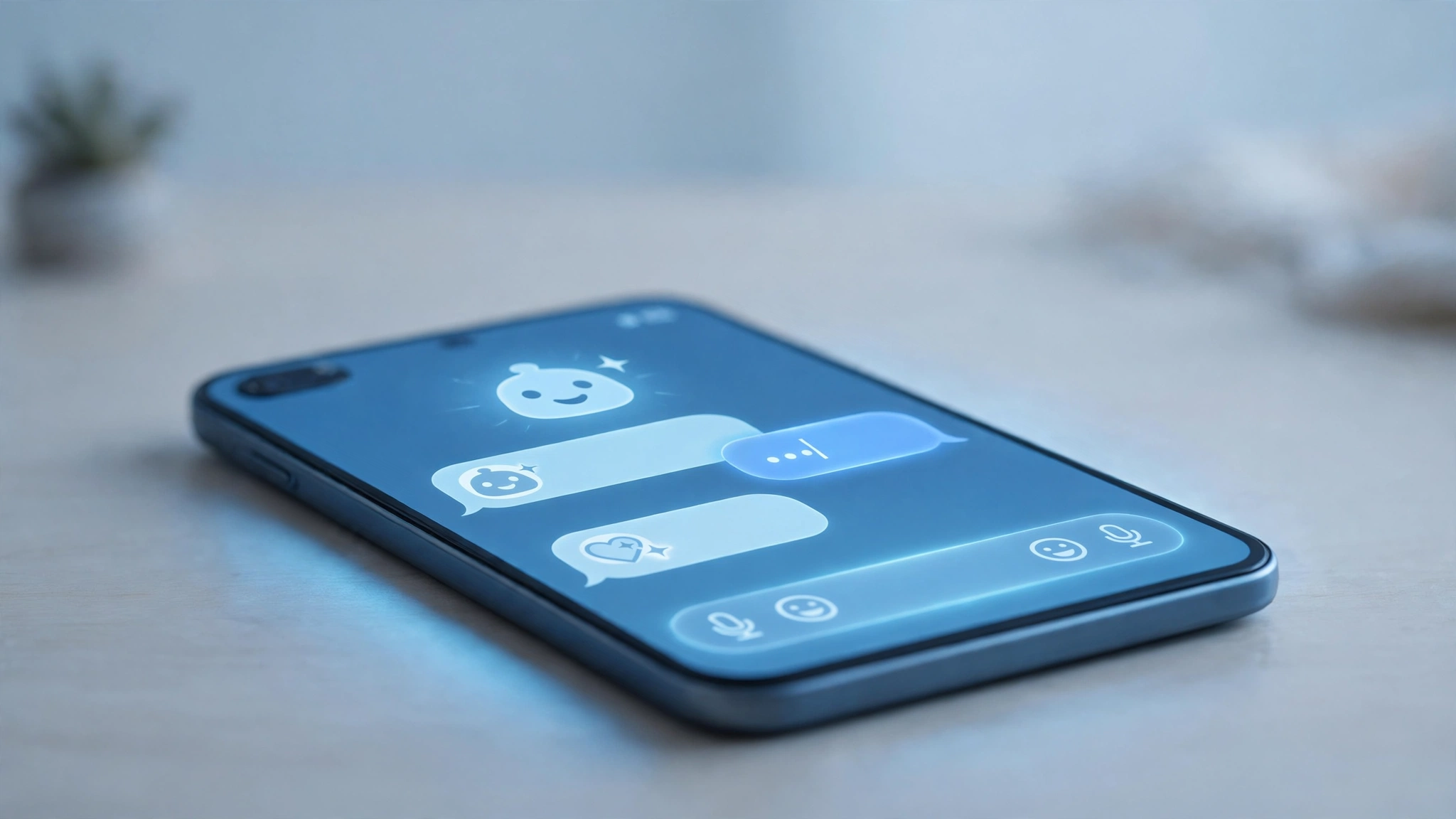
Your iPhone can run some of the best AI apps for iPhone in 2027 — but the App Store makes that hard to believe. Search for “AI chatbot” and you will scroll past dozens of lookalike apps with names like “AI Chat – Assistant 4.0” charging weekly fees for what the official free apps do better. Most lists of AI apps never warn you about that. They just rank flat lists and move on.
This guide takes a different approach: a keep/delete home-screen audit. Only eight apps made the cut — four official flagship assistants to install first, and four specialists that each earn one slot for a specific job. You will also learn how to use them the iPhone way (voice mode, camera input, Shortcuts, and Apple Intelligence as the built-in layer), plus a fleeceware checklist so you never pay a weekly subscription for a chatbot you could have had free.
Table of Contents
Quick Picks: Best AI Apps for iPhone in 2027
In a hurry? Here is the short list — every app below is free to start, with official apps from the companies that built the models.
| App | Best for | Free? |
|---|---|---|
| ChatGPT (official OpenAI app) | Everyday everything-assistant | Yes, free tier; paid plans optional |
| Claude (official Anthropic app) | Thoughtful writing and analysis | Yes, free tier; paid plans optional |
| Gemini (official Google app) | Google-ecosystem users, multimodal help | Yes, free tier; paid plans optional |
| Perplexity | Research with cited sources | Yes, free tier; paid plans optional |
| Otter.ai | Live meeting and lecture transcription | Yes, limited free minutes |
| PhotoRoom | AI photo cleanup and backgrounds | Yes, free tier; paid upgrades optional |
| NotebookLM | Chatting with your own documents and PDFs | Yes, free from Google |
| Grammarly | Writing polish everywhere on your phone | Yes, free core features |
Prices and plan limits change often, so check the App Store listing or the official vendor site before paying for anything.
The 4 Official Flagship AI Apps for iPhone (Install These First)
The single most important habit when choosing the best AI apps for iPhone: get them from the source. Every major AI company publishes an official iOS app. Anything else calling itself “ChatGPT” or “Claude” with a different logo is a third-party copy — and copies are where the weekly-fee traps live (more on that below).
1. ChatGPT — the everyday everything-assistant
The official ChatGPT app from OpenAI remains the best starting point for most iPhone users. It answers questions, drafts emails, summarises articles and plans trips — with voice conversation mode, camera input (point your phone at something and ask about it), and image generation built in. If you are building out your AI setup, this is the app to install first and learn deeply.
ChatGPT works entirely from the free tier, with optional paid plans for heavier use. If you want to see how it compares against the wider field, our roundup of the best AI tools puts it in context alongside dozens of other options.
2. Claude — the thoughtful writer and analyst
Claude, from Anthropic, is the official app for one of the strongest large language models in the world. In practice, you reach for it when the job involves careful writing, editing, or thinking through a complex document — drafts come out more polished and it handles long context well. The voice mode works for hands-free questions, and the free tier covers genuine daily use.
Like the others on this list, it is a case of the official app or nothing: always download from Anthropic’s verified developer account on the App Store. (You can read more about Anthropic, the company behind Claude, on its official site.)
3. Gemini — best for Google-ecosystem iPhone users
Google’s Gemini app on iPhone makes the most sense if your life already runs on Gmail, Google Calendar, and Google Docs. It can pull your schedule, summarise your inbox, and answer with your actual data in context — something the standalone assistants cannot do as deeply. It also handles multimodal input well: photos, screenshots, and documents you share from other apps. If you use Google Workspace at work, this earns its slot easily.
4. Perplexity — research with real citations
Perplexity fills the gap the other three leave open: answers backed by sources. Ask a question and it returns a written answer with inline citations you can tap to verify, which makes it the best AI app for iPhone when accuracy matters — checking a health claim, researching a purchase, or settling an argument. Think of it as a search engine that reads the results for you.
For research-heavy work it pairs well with ChatGPT or Claude: draft with one, verify with the other.
Specialists Worth One Home-Screen Slot Each
Once the four flagships are in place, the next step is picking specialists — single-purpose apps that do one job better than any general assistant can. Each of these earns exactly one slot.
5. Otter.ai — your meeting transcriber
Otter.ai records and transcribes meetings, lectures, and voice notes in real time on your iPhone, then generates a searchable summary. The free tier includes a limited number of transcription minutes per month — check the current allowance on the App Store before depending on it.
6. PhotoRoom — AI photo cleanup
PhotoRoom removes backgrounds, erases unwanted objects, and generates clean product-style shots from ordinary iPhone photos. It is the difference between a cluttered photo and one that looks professional, and it does the job in seconds with no editing skill required. Handy for sellers, content creators, or anyone listing things online.
7. NotebookLM — chat with your own documents
NotebookLM, from Google, is a genuinely different kind of AI app for iPhone: you upload your own PDFs, notes, and documents, and it answers questions using only that material. The answers are grounded in your files, not the open internet — more useful than any general chatbot for students studying course packs, researchers working through papers, or anyone reading long contracts. It is free.
8. Grammarly — writing polish everywhere
Grammarly works across your iPhone — messages, emails, social posts, documents — catching grammar, tone, and clarity issues before you hit send. Having it live inside your keyboard and apps makes it frictionless. Our guide to the best AI writing tools digs deeper into this category.
How to Actually Use These AI Apps on iPhone
Four iPhone-specific habits make these apps dramatically more useful:
- Use voice mode while moving. Every flagship app has a voice conversation mode. Use it on walks, while cooking, or on your commute — it turns dead time into thinking time.
- Use the camera as input. Point your phone at a menu in another language or a plant you cannot identify, and ask the app about it.
- Add them to Shortcuts and widgets. Put ChatGPT or Perplexity on your Home Screen or in a widget, and wire common prompts into iOS Shortcuts.
- Treat Apple Intelligence as the built-in layer. Apple’s own system — Writing Tools across apps, smarter notification summaries, image cleanup, and the rebuilt Siri — handles the small daily tasks for free, right where you already work. It is not a replacement for the flagship apps, but it means you reach for them only when a task genuinely needs them. You can see what the system offers on Apple’s Apple Intelligence page.
The Fleeceware Trap: Spotting AI Apps That Charge Weekly Fees
Here is the part most lists skip — and it will save you real money. The App Store is full of AI apps that are not what they appear to be:
- They mimic official apps. Names like “ChatAI – Ask Anything”, faked star-ratings, and almost-but-not-quite-official logos. The real apps come from OpenAI, Anthropic, Google, and Perplexity — check the developer name.
- They charge weekly. Fleeceware apps use weekly subscriptions that add up to hundreds per year. Legitimate AI apps charge monthly or annually, if they charge at all.
- They resell what is free. Many of these apps forward your questions to the same free models behind the official apps, then charge you for the privilege.
- They make cancelling hard. Trials convert automatically; the cancel button is buried. If you ever install one, cancel from iPhone Settings → Apple ID → Subscriptions immediately — never from inside the app.
The rule of thumb: if the ones you want are ChatGPT, Claude, Gemini, or Perplexity, download only the official apps from the verified developers. Everything else claiming to be “powered by AI” should be researched before it touches your wallet.
FAQs About the Best AI Apps for iPhone
What is the best free AI app for iPhone?
Start with the official ChatGPT app. Its free tier handles everyday questions, writing, voice conversations, and camera input with no payment required. Add Perplexity (free) if you need cited research, and NotebookLM (free) if you work with documents.
Is Apple Intelligence a replacement for ChatGPT?
No. Apple Intelligence is a built-in convenience layer — Writing Tools, notification summaries, image cleanup, and a smarter Siri — that handles small tasks where you already are. ChatGPT and the other flagship apps are full conversational assistants with voice mode, image generation, and deep reasoning. They complement each other.
Why are some AI apps charging weekly fees?
Weekly subscriptions are a hallmark of fleeceware: copycat apps that mimic official AI apps, add a thin wrapper around free models, and bill you a few dollars per week — which compounds to hundreds per year. Legitimate AI apps offer genuine free tiers and charge monthly or annually for paid plans. Always check the developer name before installing, and cancel unwanted trials from iPhone Settings, not inside the app.
Is the ChatGPT iPhone app free?
Yes — the official ChatGPT app from OpenAI is free to download and use, with a functional free tier. OpenAI also offers paid plans with higher limits and extra features for heavy users. Check the current plan details in the App Store or on OpenAI’s official site before upgrading.
Do I need all four flagship apps?
No. Install all four, use each for a week, then keep the two that fit your life. The specialists stay only if you do that specific job regularly.
The Final Audit: Keep, Delete, Revisit
Run this audit once a year. Keep the flagships that earned their daily use. Delete any copycat app you installed in a hurry — and double-check your subscriptions while you are at it. The specialist you have not opened since January goes.
The best AI apps for iPhone in 2027 are not the twenty trending ones on the charts — they are the handful that survived your own keep/delete test. Start with the four official assistants, add the specialists you actually need, and let Apple Intelligence handle the rest quietly in the background.