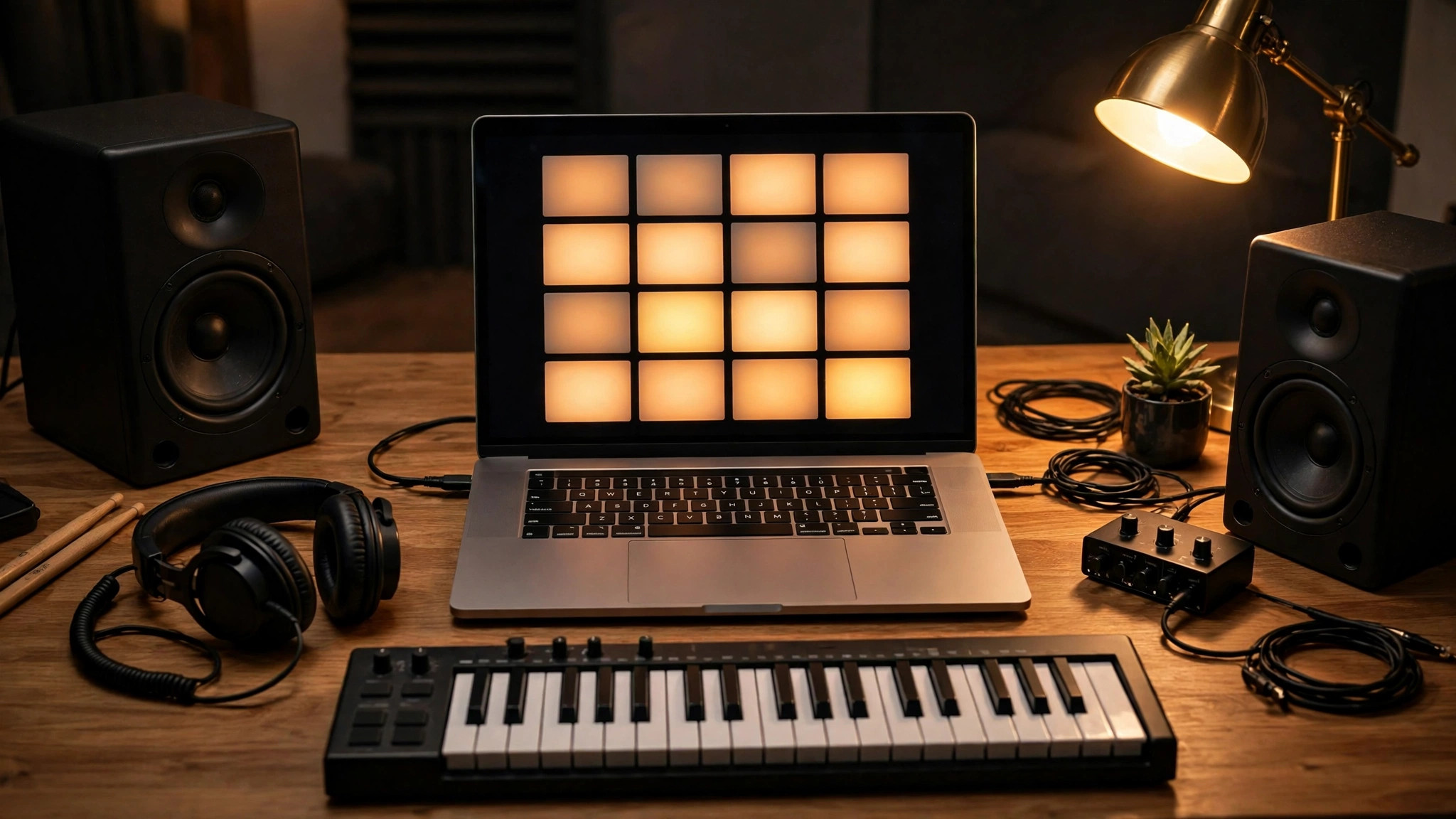
What Is a Music Beat Maker? The Short Answer
A music beat maker is a tool that builds the rhythmic backbone of a song — drums, bass, melody, and arrangement — from a short description you type in. You describe a mood, a genre, and a tempo, and the AI generates a beat you can listen to, adjust, and export. The best music beat maker tools in 2027 are not replacements for producers: they are fast starting points. You bring the taste, the lyrics, and the final mix; the AI removes the blank page. This guide compares the main AI beat makers by who they suit, what is genuinely free, and what you can legally do with the beat afterwards.
Table of Contents
Key Takeaways
- A music beat maker turns a text description — genre, mood, tempo — into a finished instrumental with drums, bass, and melody.
- Suno is the fastest way to get a full song or instrumental from a prompt; Soundraw gives the most control over the structure of a beat; Soundverse is built for producers who want editable stems.
- BandLab’s SongStarter is the best genuinely free starting point, and it sits inside a full free recording studio.
- A free tier almost never includes commercial rights — check each tool’s terms before you release, sell, or monetise a beat.
- AI beats work best as a foundation: export the stems, shape them in a DAW, and add your own instruments, vocals, and mix.
- Describe the sound you want in musical terms — genre, tempo, instruments, mood — and generate several versions before choosing one.
How Does an AI Music Beat Maker Work?
An AI music beat maker is trained on large collections of music, so it has learned how drum patterns, bass lines, chord progressions, and song structures fit together in different genres. When you type a prompt such as “dark trap beat, 140 BPM, heavy 808s, moody piano”, the model generates audio that matches that description — usually a full instrumental lasting 30 seconds to a few minutes, depending on the tool.
Most tools work the same way in practice. You type a prompt or pick a genre and mood, the tool generates two or more versions, you listen and keep the best one, and then you refine it: change the tempo, swap an instrument, extend the arrangement, or export the separate tracks — called stems — so you can mix them yourself. The difference between the tools is how much control you get after generation, what the free tier allows, and what licence comes with the result.
One honest limit applies to all of them. An AI beat maker can produce a convincing groove, but it cannot hear what you hear. It does not know whether the hi-hat pattern fights your vocal, or whether the bass line is too busy for the chorus. That judgment is still yours, and it is what separates a usable beat from a finished song.
The Best Music Beat Makers in 2027
These are the tools that matter for most people, compared by who they suit best. Prices and free allowances change often, so check each tool’s own pricing page before you commit to a plan — the comparisons below are about what each tool is good at, not what it costs today.
| Tool | Best for | Free tier | What you can do with the beat |
|---|---|---|---|
| Suno | Fast full songs and instrumentals from a prompt | Yes, with daily credits | Personal use on free tier; paid plans add commercial use |
| Soundraw | Beats you can shape section by section | Free to try | Paid plans include use in released music |
| Soundverse | Producers who want editable stems and a studio workflow | Trial available | Paid plans include commercial use; check the plan terms |
| BandLab SongStarter | Free ideas inside a full recording studio | Free | Free to use in your own music; check BandLab’s terms |
| Udio | Full songs with vocals from a short prompt | Free tier with monthly credits | Paid plans add commercial use |
| Boomy | Releasing AI-made songs to streaming quickly | Free to try | Paid plans include release and revenue options |
Suno: Best AI Beat Maker for Speed
Suno is the quickest route from an idea to a finished-sounding track. Type a prompt, and it generates a full song — vocals included if you want them, or an instrumental if you do not. For beat making, the instrumental mode is the useful one: it produces a complete arrangement with intro, verse, and chorus structure, which is more than most beat makers offer in one generation.
The trade-off is control. Suno gives you a finished track more than a set of parts, so if you want to change just the drums, you will usually generate again rather than edit. That makes it ideal for songwriters who need a beat to write over, and less ideal for producers who want to mix every element themselves. Its free tier gives you daily credits to try it, but commercial use needs a paid plan — check Suno’s own pricing page for the current terms before you release anything made with it.
Soundraw: Best AI Beat Maker for Control
Soundraw takes the opposite approach: it generates a beat and then lets you shape it. You pick a genre, mood, tempo, and length, and then adjust the energy of each section — intro, verse, chorus — independently. If the chorus needs more drive and the verse needs less, you change that directly instead of generating again and hoping.
That section-by-section control is why producers who release music tend to prefer it. Soundraw’s music is royalty-free under its paid plans, which is the part that matters if you plan to distribute a track. The free tier lets you try the generator, but downloads and commercial use come with a paid plan. See Soundraw’s site for the current plan details.
Soundverse: Best AI Beat Maker for Producers
Soundverse is built like a studio rather than a vending machine. You describe a vibe and it builds a full instrumental with drums, 808s, melody, and a mix, then lets you edit it in a multitrack studio, extend sections, and export WAV files and stems. Its Agent One feature can produce a track from a longer brief, which suits producers who think in terms of a whole song rather than a single loop.
This is the most capable option on this list, and the most complex. If you already work in a DAW and want AI-generated material you can genuinely finish and release, Soundverse is the strongest fit. If you just want a quick beat for a video, it is more tool than you need. Check Soundverse’s site for its current plans and trial terms.
BandLab SongStarter: Best Free AI Beat Maker
BandLab’s SongStarter is the best genuinely free starting point, and it comes with an advantage none of the others has: it sits inside BandLab, a complete free recording studio. SongStarter generates a musical idea — a chord progression and groove — from a genre and mood, and you can then record vocals, add instruments, and mix the whole thing in the same app, on your phone or in the browser.
The generated ideas are simpler than what Suno or Soundverse produce, and that is the point: SongStarter is a spark, not a finished beat. For beginners, students, and anyone making music for fun, it is the right place to start because it costs nothing and the path from idea to finished song is all in one place. Visit BandLab to try it.
Udio and Boomy: Worth Knowing About
Udio generates full songs — vocals, lyrics, and arrangement — from a short text prompt, and it is strongest when you want a complete song idea fast rather than a bare beat to build on. Its free tier lets you try it with monthly credits, and paid plans add commercial use. Udio’s site has the current terms.
Boomy takes a different angle: it generates a song and helps you release it to streaming services, with revenue options on paid plans. It is the simplest path from “I made a song with AI” to “my song is on Spotify”, though the music itself is simpler than what the other tools produce. If distribution matters more to you than fine control, Boomy is worth a look.
How to Make a Beat with AI
The workflow is short, and the habits around it matter more than the tool you pick.
- Decide what the beat is for before you open the tool. A beat for rapping over, a beat for a YouTube video, and a beat for a lo-fi playlist are three different jobs. The purpose decides the tempo, the energy, and the licence you need.
- Write a prompt in musical terms. Name the genre, the tempo, the instruments, and the mood: “lo-fi hip hop, 78 BPM, soft Rhodes piano, vinyl crackle, relaxed” beats “chill beat” every time.
- Generate three or four versions. The first is rarely the best. Listen to all of them at full volume, on headphones, before you choose.
- Pick the best and refine it, don’t regenerate endlessly. Change the tempo, swap one instrument, or shorten a section. Endless regeneration is how people burn through credits without finishing anything.
- Export the stems if the tool offers them. Separate drum, bass, and melody tracks let you mix the beat properly and replace any part that does not work.
- Finish it in a DAW. Import the stems into a free DAW such as BandLab or GarageBand, arrange the sections, add your vocals or instruments, and mix. The AI beat is the foundation, not the finished song.
If you record vocals over your beat, our guide on how to remove vocals from a song is useful when you want to isolate a vocal from an existing track, and our guide to extracting audio from video helps when your source material is a video clip rather than an audio file.
Can You Sell Beats Made with AI?
Usually, yes — but only under the terms of the plan you used, and those terms differ by tool. The honest rules are simple.
First, a free tier almost never includes commercial rights. Free credits are for trying the tool and for personal projects. If you want to sell a beat, release it on streaming, or use it in a monetised video, you need a paid plan — and even then, read the licence. Some plans allow commercial use of the generated audio, some require attribution, and some limit how many tracks you can release.
Second, you cannot claim you made the beat entirely yourself if the AI generated it. Marketplaces and distributors increasingly ask whether AI was involved, and being honest about it protects you if a platform questions the track later.
Third, AI-generated music can sound similar to other AI-generated music. If your beat is a straight export with no changes, another user may have generated something very close to it. The more you change — your own melody, your own mix, your own arrangement — the more the result is genuinely yours. Check each tool’s terms of service before you release anything, because the terms are the contract, not the marketing page.
AI Beat Maker vs a DAW: What Is the Difference?
An AI beat maker generates music from a description. A DAW — a digital audio workstation such as GarageBand, BandLab, FL Studio, or Ableton Live — is the software where you record, arrange, edit, and mix music yourself. They are not competitors; they do different jobs, and the best workflow uses both.
Think of it this way: the AI beat maker writes the first draft, and the DAW is where you edit it into a finished song. A beginner can start with an AI beat and learn arrangement and mixing in a free DAW. A producer can use an AI beat as a sketch, then replace the drums, replay the bass line, and mix it properly. Neither tool replaces taste — the AI can generate a hundred beats, but only you can tell which one is right for your song.
If you make videos as well as music, our roundup of the best AI video editing tools covers the editors that can cut your music to picture.
Prompt Habits That Get Better Beats
- Name the genre and the tempo: “90 BPM boom bap” is a prompt; “hip hop beat” is a guess.
- Name two or three instruments: “808s, trap hats, and a minor-key piano” gives the model something concrete to build.
- Name the mood and the use: “dark and driving, for a workout video” and “soft and warm, for a morning vlog” produce very different beats.
- Say what to leave out: “no vocals, no saxophone” is as useful as saying what to include.
- Keep the prompt short: one or two sentences. Long paragraphs confuse the model and the beat drifts.
- Generate, listen, adjust — in that order: change one thing at a time, so you learn what each change does.
Frequently Asked Questions About Music Beat Makers
What is a music beat maker?
A music beat maker is a tool that creates the rhythmic foundation of a song — drums, bass, melody, and arrangement. An AI music beat maker does this from a text description: you describe the genre, mood, and tempo, and it generates a beat for you.
Can AI make beats?
Yes. Modern AI music tools generate complete, listenable beats in seconds, in most genres. The results work best as a starting point — the strongest results come when a human arranges, edits, and mixes the generated beat.
What is the best AI beat maker?
It depends on what you need. Suno is fastest for full songs, Soundraw gives the most control over a beat’s structure, Soundverse suits producers who want editable stems, and BandLab SongStarter is the best free option. There is no single best tool for everyone.
Is there a free AI beat maker?
Yes. BandLab SongStarter is free, and Suno, Udio, and Soundraw all have free tiers or trials. Free tiers usually limit downloads and do not include commercial rights, so check the terms before releasing anything.
Can I sell beats made with AI?
Usually, but only under a paid plan that includes commercial use, and only under that tool’s licence terms. Free-tier beats are generally for personal use. Read the terms of service before you sell or distribute a beat.
Can AI beats sound professional?
They can sound close, especially after a human mixes them. A raw AI export often sounds flat or generic; exported stems, mixed in a DAW with your own additions, can sound genuinely professional.
Do AI beat makers give commercial rights?
Some do, on paid plans — Soundraw and Soundverse, for example, include commercial use in their paid plans. The details differ by tool and by plan, so the tool’s own terms page is the only reliable source.
The Bottom Line
A music beat maker with AI is the fastest way to get from an idea to a beat you can work with — and the honest way to use one is as a collaborator, not a replacement for your own judgment. Start free with BandLab SongStarter to learn what you like, try Suno when you want a full song fast, and move to Soundraw or Soundverse when you are ready to shape and release beats properly. Whatever you pick, generate several versions, export the stems, finish the track in a DAW, and read the licence before you release anything. For more tools in this series, see our best AI tools roundup here at Digital Discoverist, and browse the full Discover Tools archive for the rest of the series.
2 thoughts on “Best Music Beat Makers in 2027: AI Tools That Make Beats for You”