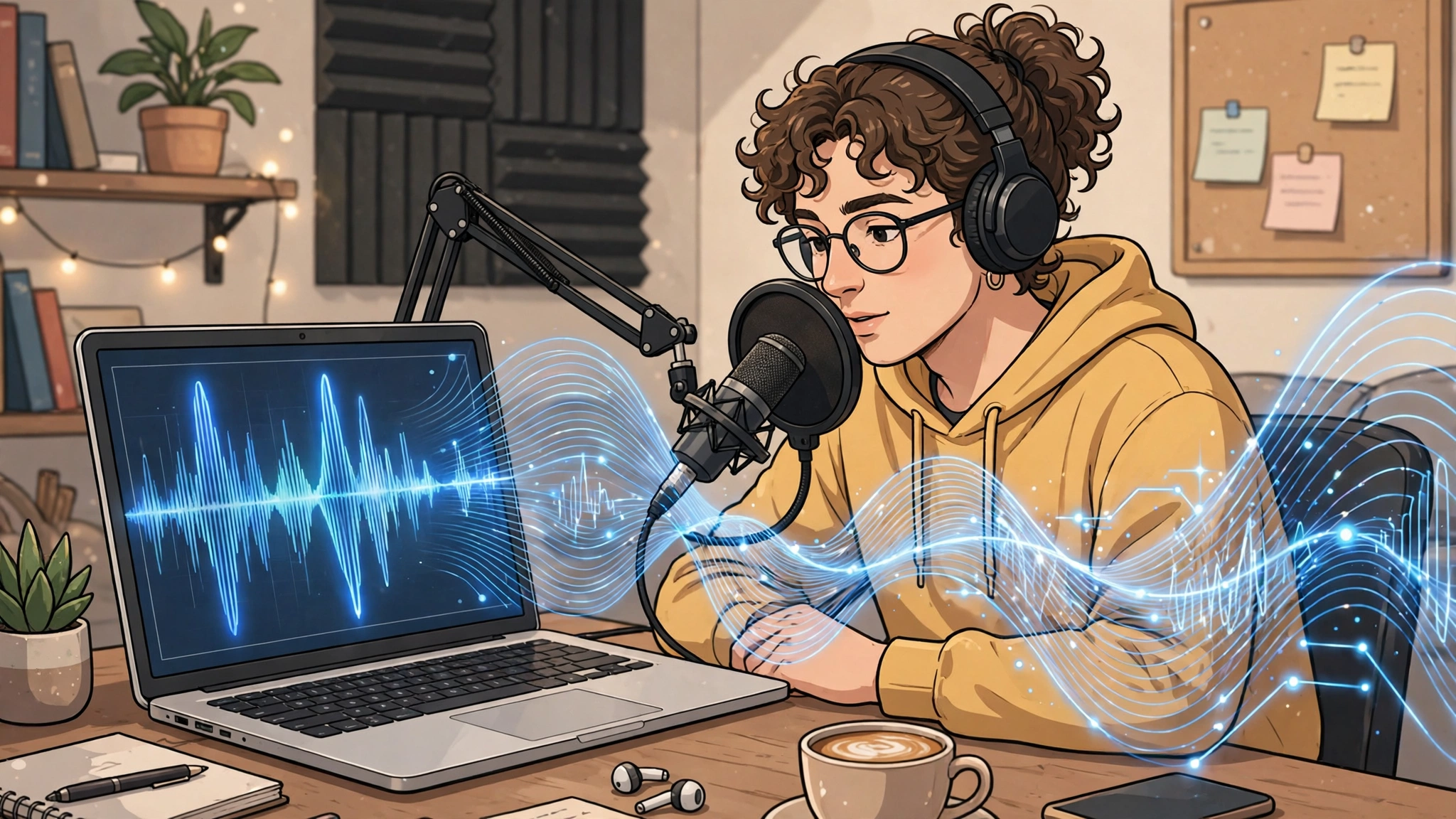
An ai voice generator free plan turns written text into spoken audio without you paying upfront — useful for narrating a video, reading an article aloud, drafting an audiobook, or adding a voiceover to a short social clip. The catch is that free plans differ enormously: some sound impressively human, others sound flat and robotic, and the fine print on commercial use and monthly limits matters more than the marketing. In this guide to the best free AI voice generators in 2027, we sort the tools by the job you actually need them for, so you pick the right one instead of the loudest-advertised one.
Key takeaways
- There is no single best free AI voice generator — the right choice depends on whether you need narration, audiobooks, short clips, or reading aloud.
- Free tiers are genuinely useful for testing and small projects, but they are limited; check the current allowance on the vendor’s own page before you commit to a project.
- Most free AI voice generators require an account, even when a demo voice can be previewed without one.
- Commercial use is not automatic on a free plan — YouTube, podcast and client work need a licence check first.
- Voice tuning matters as much as voice choice: pace, pauses and pronunciation fixes turn a robotic read into a natural one.
- Never clone a real person’s voice without their clear permission, even when a tool makes it technically easy.
Direct answer: The best free AI voice generator for most people in 2027 is the one matched to the job: ElevenLabs for the most natural-sounding narration on a free tier, Google Cloud Text-to-Speech for high-quality voices and huge language coverage when you are comfortable with a developer-style setup, NaturalReader for simply reading documents aloud, and a simple browser-based tool such as TTSMaker for quick, no-fuss short clips. If you need voices for YouTube or a podcast, check the commercial-use terms before you publish — that single check matters more than a small difference in voice quality.
Table of Contents
What is a free AI voice generator?
A free AI voice generator — also called free text to speech AI, ai text to speech free, or a free AI voiceover generator — is a tool that reads your text aloud in a synthetic voice, using an AI model trained on human speech. You paste or upload text, choose a voice and language, and download or play the audio. The “free” part usually means a free tier: a limited amount of audio each month, a smaller voice library, or non-commercial use only. A few tools also offer a free ai voice generator experience in the browser with no payment details, but that is not the same as unlimited free use.
Modern AI voices handle intonation, pauses and emphasis far better than old robotic text-to-speech, which is why they now suit YouTube narration, podcast intros and accessibility reading — though not as a replacement for a professional voice actor where performance carries the message.
What is the best free AI voice generator?
It depends on the job — a voice perfect for documentary narration may be wrong for a 15-second social clip. Here is the shortlist, sorted by job rather than hype.
Best for narration and YouTube videos: ElevenLabs
ElevenLabs is the name most creators reach for when naturalness matters: its voices are among the most human-sounding available on a free tier, with believable pacing and intonation. Its free tier gives a modest monthly allowance for testing voices and short narrations — but check its commercial-use terms before using a free-tier voice in monetised videos. For a broader view of AI tools for creators, see our best AI tools guide.
Best for audiobooks and long reads: NaturalReader
NaturalReader is built for reading rather than performing: upload a document or paste an article and listen to it in a clear, steady voice. That makes it the strongest free pick for audiobook drafts, study material and accessibility reading, where calm consistency beats drama. Its free tier covers everyday reading well, while the most natural premium voices sit behind paid plans.
Best for short social clips: TTSMaker
For a quick voiceover on a short clip, you need speed, not studio quality. Browser-based tools such as TTSMaker let you paste text, pick a voice and generate audio in minutes, with a free tier suited to short clips. Quality is good rather than outstanding.
Best for developers and multilingual projects: Google Cloud Text-to-Speech and Microsoft Azure Speech
If you are building an app or a project that needs many languages, the cloud platforms are in a different league. Google Cloud Text-to-Speech and Microsoft Azure Speech offer extensive voice libraries, control over speaking rate and pitch, and free tiers or trial credits for getting started. The trade-off is setup: these are developer tools, not one-click web apps.
Free AI voice generators compared
Free tiers change regularly, so treat this as a qualitative comparison and confirm the current allowance on each vendor’s official page before starting a project.
| Tool | Free tier in qualitative terms | Voice quality | Languages | Commercial-use note | Weakness |
|---|---|---|---|---|---|
| ElevenLabs | Small monthly allowance; good for tests and short narrations | Excellent, very natural | Wide | Check terms before monetised use | Runs out fast on long projects |
| Google Cloud Text-to-Speech | Free tier / trial credit to start; usage-based beyond that | Very good | Very wide, among the broadest | Depends on plan; check terms | Developer setup |
| Microsoft Azure Speech | Free tier to start; usage-based beyond that | Very good, natural neural voices | Very wide, with regional variants | Depends on plan; check terms | Technical interface |
| NaturalReader | Free tier covers everyday reading | Good to very good, steady and clear | Good, major languages | Reading-use focus; check terms for publishing | Most natural voices are paid |
| TTSMaker | Free tier suits short clips and tests | Good, clear but less expressive | Broad | Check terms before commercial publishing | Weak for long-form narration |
Which free AI voice generator sounds most natural?
For pure naturalness on a free tier, ElevenLabs is the usual winner in creator tests: its voices breathe, pause and emphasise more like a human narrator than most rivals. Google Cloud and Microsoft Azure neural voices are close behind, and sometimes better for formal content where clarity matters more than warmth.
Naturalness also depends on your text: a well-written script with short sentences and natural punctuation sounds human on almost any modern voice, while dense jargon sounds robotic even on the best model.
Is there a free AI voice generator with no sign-up?
Honestly: a genuinely useful ai voice generator free no sign up option is rare. Many tools let you preview a demo voice on their homepage without an account, but saving, downloading or generating more than a short demo almost always requires a free account, which vendors use to enforce free-tier limits. Simple browser tools sometimes allow one short generation without an account, but expect limits on length, voice choice and downloads. For anything you plan to publish, a free account is worth it: it gives you a voice library, saved projects and a proper download.
How many characters or words do free plans allow?
Free allowances are measured differently — some tools count characters, others count minutes of audio, and most reset monthly — so quoting a number here could be out of date within weeks. As a rough guide, a free tier on a creator-focused tool is typically enough for several short videos or a chapter-sized test, but not a full audiobook or daily publishing schedule. Estimate your script first (roughly 800–900 characters per minute of spoken audio), check the current limit on the vendor’s pricing page, and if your project exceeds it, split it across months or shorten it.
Which free AI voice generator supports the most languages?
The cloud platforms win here by a wide margin. Google Cloud Text-to-Speech and Microsoft Azure Speech each support a very large number of languages and regional variants, including many languages that smaller creator tools do not offer at all. If your project needs a less common language, or the same script in ten languages, start with one of these two.
Among creator-friendly tools, ElevenLabs and TTSMaker cover a wide range of major languages, but depth varies and quality can differ between languages — always listen to a sample in your actual target language first.
Can I use free AI voices commercially?
Sometimes — but never assume it. Getting this wrong can get a video demonetised or a project pulled. Three rules:
- Read the licence for your exact plan. Some free tiers allow commercial use, others restrict audio to personal projects, and some allow it only after upgrading.
- Check the platform rules too. YouTube and podcast hosts have their own policies on AI narration, which can change independently of the voice tool’s terms.
- Keep a record. Save the licence terms that applied when you generated the audio, in case a dispute ever arises.
For YouTube, podcasts and client work, the safest route is a tool whose terms explicitly permit commercial use on your plan, or a paid tier that clearly includes it. When in doubt, choose a different tool — a free voice is not worth a monetisation dispute. Our guide to free AI agents covers other free tiers with similar licence traps.
How do I make AI voice sound less robotic?
Voice choice gets you halfway; tuning gets you the rest. These techniques work on most tools:
- Write for the ear, not the eye. Short sentences, everyday words and natural contractions (“it’s” rather than “it is”) sound far more human aloud.
- Use punctuation as direction. Commas create short pauses, full stops longer ones, and a question mark lifts intonation. Unpunctuated text is read as a monotone rush.
- Slow it down slightly. Dropping the speaking rate a little usually sounds more natural than the default, especially for narration.
- Break up long text. Generate audio in short sections rather than one huge block, so one awkward section is easy to fix.
- Fix pronunciation with spelling. If a voice misreads a name or acronym, respell it phonetically in your script until it sounds right.
- Use emphasis controls where offered. Some tools support SSML-style markup for pauses, emphasis and pronunciation — a pause or emphasis tag on one key word can transform a flat sentence. Check your tool’s help pages for supported tags.
- Listen all the way through. AI voices occasionally misread a word or place emphasis oddly; a full listen catches errors your eyes would miss.
Ethics and consent: using AI voices responsibly
Never clone a real person’s voice without their explicit permission — not for a prank, not for a parody that could mislead, and not to put words in someone’s mouth. Many platforms ban voice cloning of real people without consent, and in several jurisdictions it can carry legal consequences.
Disclose AI narration where listeners might assume a real human — a testimonial, a news-style report, an interview. Do not use AI voices to impersonate staff, officials or anyone in a position of trust, and never present AI-narrated content as a genuine recording of a real event.
Whichever you choose, start with a short test script in your real use case before building a whole project around it. For official voice samples and current free-tier details, listen on ElevenLabs, compare with the cloud platforms linked above, and pair your voice tool with the website tools in our AI website guide.
Frequently asked questions
Are free AI voice generators good enough for YouTube?
Yes, for many channels — especially explainer and documentary-style videos. Check commercial-use terms first, and listen to the full narration before publishing.
Can a free AI voice generator read a PDF aloud?
Yes. Reading-focused tools such as NaturalReader accept documents directly; other tools need the text pasted in, and scanned PDFs may need text extraction first.
Do free AI voices work for audiobooks?
Well for drafts and personal listening, but a full commercial audiobook usually exceeds free allowances and benefits from a paid tier or a human narrator.
1 thought on “Best Free AI Voice Generators in 2027: Natural Voices Without Paying”