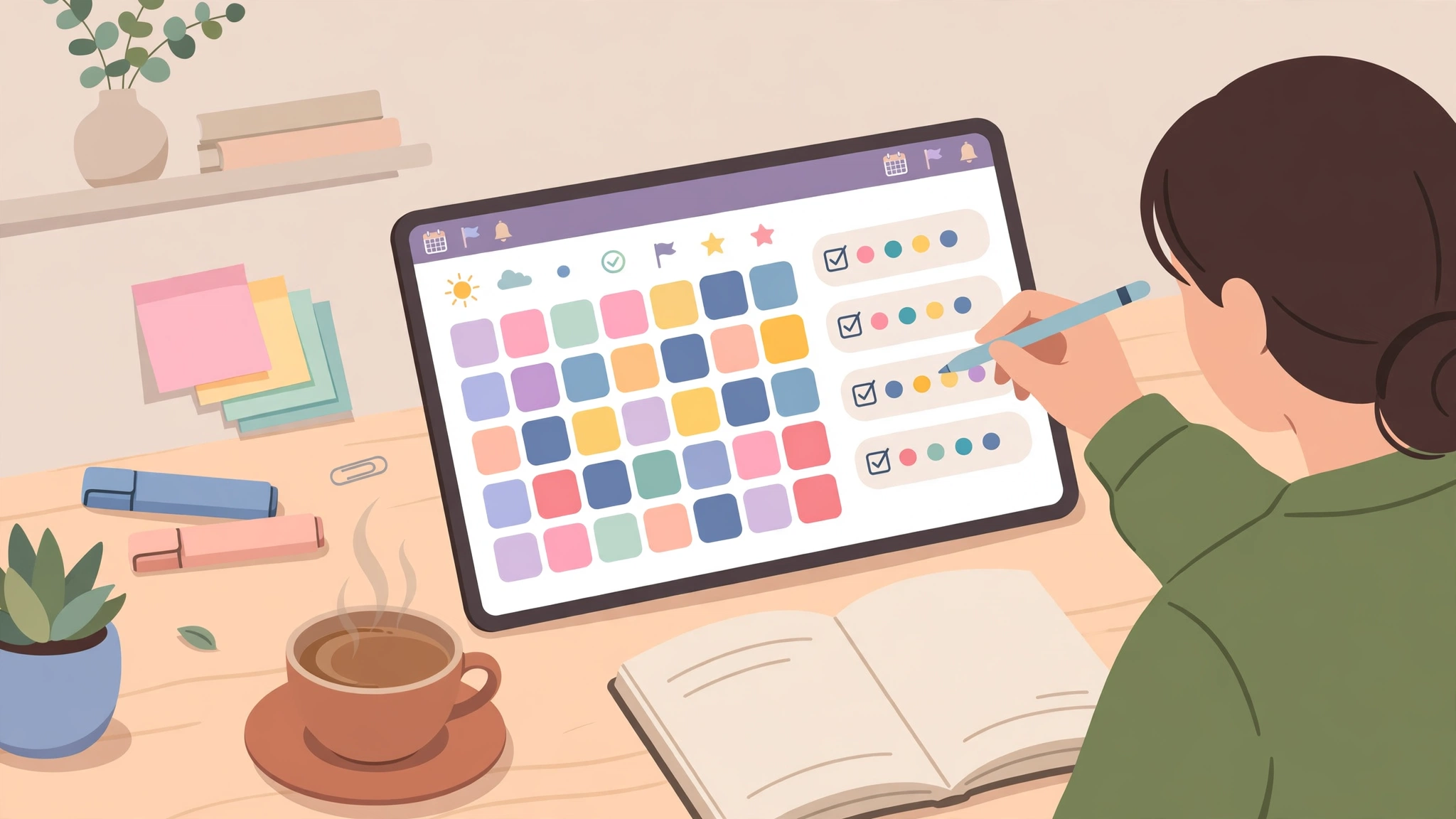
Search for the best digital planners and two completely different products come back under the same name. One is a file: a hyperlinked PDF planner you write on with a stylus inside a note-taking app. The other is an app that is the planner, with calendars, tasks and reminders built in. They feel different, cost differently, and suit different people — and most comparison lists mix them together without saying so. This guide separates them first, then compares the best digital planners in 2027 by device, so you buy the kind you will actually still open in March.
Key takeaways
- A digital planner is either a PDF file you write on in a note app, or a planner app itself — decide which kind you want before comparing names.
- For handwriting on a tablet, a hyperlinked PDF planner in GoodNotes or Notability is the most flexible option.
- For reminders, syncing and tasks across phone and computer, a planner app beats a PDF file.
- Check dated coverage before you buy: a 2027 planner must actually cover January to December 2027, not just say “2027” on the cover.
- Try a free sample or free planner first — layout is personal, and a planner you dislike will not be rescued by features.
Direct answer: The best digital planner in 2027 for iPad handwriting is a hyperlinked PDF planner such as Passion Planner Digital used in GoodNotes; for Android tablets, look for a planner file or app built for your note app (Penly is a popular Android option); for reminders and cross-device sync, use a planner app rather than a PDF. If you are unsure, start with a free planner and upgrade only when you know which pages you actually use.
Table of Contents
What is a digital planner?
A digital planner is a planner that lives on a screen instead of on paper, but that definition hides the split that matters. A PDF planner is a document: dated monthly and weekly pages, daily spreads, goal pages, habit trackers and review pages, all hyperlinked so tapping a date jumps to that day. You open it in a note-taking app — GoodNotes, Notability, Noteshelf, or a PDF app — and write on it with a stylus, exactly as you would on paper, except you can duplicate pages, undo mistakes, and carry a whole year in one file. A planner app, by contrast, is software: it holds your calendar, tasks and notes, syncs across devices, and can remind you about deadlines. It does not feel like paper, but it does things paper cannot. Neither is objectively better. A person who plans by handwriting each morning wants the PDF. A person who plans by checking a phone between meetings wants the app. Many people end up using both: a PDF for daily planning, an app for reminders.
What is the best digital planner for iPad?
For iPad, the strongest setup is a hyperlinked PDF planner in GoodNotes. GoodNotes is the note app most planner files are designed for: it handles large PDFs well, converts handwriting to searchable text, and runs on iPad, iPhone, Mac and other platforms. Passion Planner Digital is a well-known example — a 2027 weekly and daily bundle with dated pages from January to December 2027, weekly and daily layouts in one file, and templates and stickers — and it lists Notability and other note apps as compatible too. Cheaper iPad options include planners sold in the GoodNotes Marketplace. The key iPad check is not the brand but the fit: does the planner open cleanly in your note app, do all its tabs actually link somewhere, and is the writing space sized for your stylus? A pretty PDF where half the tabs go nowhere is a common disappointment, and a free sample reveals it in minutes.
What is the best digital planner app?
The best digital planner app is the one that already fits your devices and your calendar. If your life is in Google, Apple or Outlook calendars, a planner app that syncs with them will beat a standalone PDF, because your appointments appear automatically instead of being copied by hand. Planner apps also add reminders, recurring tasks, and search across everything you have written. What they lose is the handwriting experience and the exact page layout of a paper planner. If you choose an app, check three things: does it sync to all your devices, can you export your data if you leave, and does its free tier cover the pages you need? An app that locks your year of planning behind a subscription you cannot export is a worse deal than a one-time PDF purchase.
Best digital planners compared
Prices and terms change, so this table describes formats and what to check rather than pinning every price. Confirm current details on the maker’s own page before buying — and note that some comparison sites sell their own planners, so treat their rankings as starting points, not verdicts.
| Planner type | Examples | Best for | Needs | Watch out for |
|---|---|---|---|---|
| Hyperlinked PDF planner (iPad) | Passion Planner Digital, GoodNotes Marketplace planners | Handwriting, goal-setting, daily planning | iPad + stylus + note app | Check 2027 dated coverage; note app may be separate cost |
| Hyperlinked PDF planner (Android / e-ink) | Penly built-in planner, PDF planners in Xodo or similar | Android tablets, e-ink devices | Compatible note/PDF app | Check which apps the file is actually designed for |
| Planner app | Apps with calendar, tasks and reminders | Reminders, syncing, phone + computer | Phone or computer | Subscription cost; data export if you leave |
| Free digital planner | Free PDF samples, free planner apps, free lite planners | Trying the format before paying | Note app or phone | Fewer pages, undated or limited coverage |
| Goal planner (paper-style, digital) | Goal-focused PDF planners, goal apps | Long-term goals with monthly and weekly steps | Tablet or phone | Goal pages you never review are wasted pages |
Are digital planners worth it?
A digital planner is worth it if it changes one behaviour: you open it. The research-free truth from planner communities is consistent — the best planner is the one you still use in March, and that comes down to four things: hyperlinks that get you to today in one tap, a file that fits your device, a layout you can restart after a bad week, and a price that matches how much you will use it. A planner with 800 pages you never open is worse than a simple one you open daily. That is why the “restart” feature matters: life interrupts planning, and a planner that makes a missed week feel like failure gets abandoned. Look for undated sections, a weekly restart page, or simply a layout where a blank week does not ruin the year. If you already plan reliably on paper, a digital planner only earns its place if it adds something paper cannot: search, duplication, carrying a year in one file, or syncing. If it does not, paper was not the problem.
Dated or undated: which should you choose?
Choose a dated planner if you want structure: every day of 2027 already laid out, with monthly tabs, weekly spreads and dated review pages. Dated planners are satisfying and hard to misuse, but a missed month leaves blank pages, and a 2026 planner bought late is already partly wasted. Choose an undated planner if you start mid-year, take breaks, or dislike blank pages: you fill in the dates yourself, and the planner lasts until you finish it, not until December. Undated planners are also the safer free option, because a free undated file never expires. For students, an academic-year planner (August to August) often fits better than a calendar-year one. Whatever you choose, check the coverage before paying: “2027 planner” should mean January to December 2027 for a calendar-year planner, and the product page should say so explicitly. For productivity tools that pair with a planner, see our cloud-based productivity apps guide and our AI assistants for productivity guide.
Is there a free digital planner?
Yes — and you should try one before paying. Free options include lite PDF planners with a limited set of hyperlinked pages, free samples from paid planner makers (useful precisely because they reveal whether you like the layout), and free planner apps with a basic tier. A free planner is also the honest way to answer the file-vs-app question for yourself: use a free PDF for two weeks, then a free app for two weeks, and notice which one you reach for in the morning. The limitation of free planners is usually coverage (undated, or a single month) or page count, not quality — a well-made free planner from a reputable maker is a better test than a paid planner bought blind. For classroom planning, see our free classroom management tools guide. For the wider market, see the HyperPlanners comparison of best digital planners and the VoiceFirst comparison of digital planners for iPad, keeping in mind that comparison sites may sell their own planners.
Before you buy: the digital planner checklist
- File or app? Handwriting on a tablet → PDF. Reminders and syncing → app.
- Device fit. iPad, Android tablet, e-ink device, or phone/computer — and which note app does the file require?
- Hyperlinks that work. Tap every tab in a free sample. Dead tabs are the most common flaw.
- Dated coverage. Confirm January–December 2027 (or your academic year) explicitly on the product page.
- Layout you will use. Daily, weekly, or both? Goal pages? Habit trackers? Unused pages are clutter.
- Restart friendliness. Can you restart after a bad week without blank-page guilt?
- Total cost. Planner file + note app + stylus, or app subscription — not just the planner price.
Frequently asked questions
What app do I need for a digital planner?
For a PDF planner, you need a note-taking or PDF annotation app: GoodNotes and Notability on iPad, Noteshelf on several platforms, or a PDF app such as Xodo on Android. For a planner app, no extra app is needed — the planner is the app.
Can I use a digital planner without an iPad?
Yes. Android tablets, e-ink devices, and even phones and computers can run digital planners, though handwriting is best on a tablet with a stylus. Planner apps work on any phone or computer and sync across devices.
Do digital planners sync across devices?
Planner apps sync by design. PDF planners sync only as far as your note app syncs — GoodNotes, for example, syncs across your devices through its own sync, so the same planner file appears on iPad, iPhone and Mac. Check your note app’s sync before assuming a PDF will follow you.
Is a digital planner better than a paper planner?
It is better at search, duplication, undo, and carrying a year in one file; paper is better at focus, battery-free use, and never needing an update. The right choice is the one you will still open in March.
2 thoughts on “Best Digital Planners in 2027: PDF Planners vs Planner Apps, Honestly Compared”